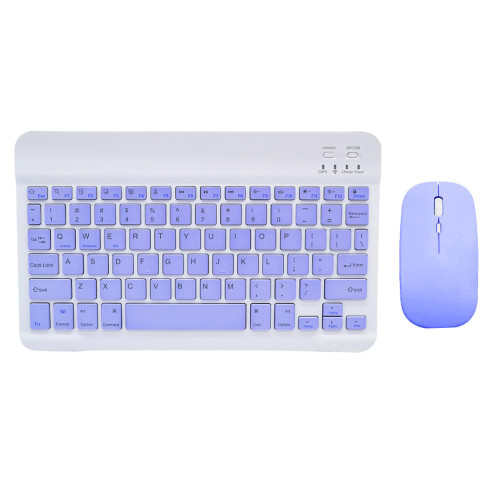
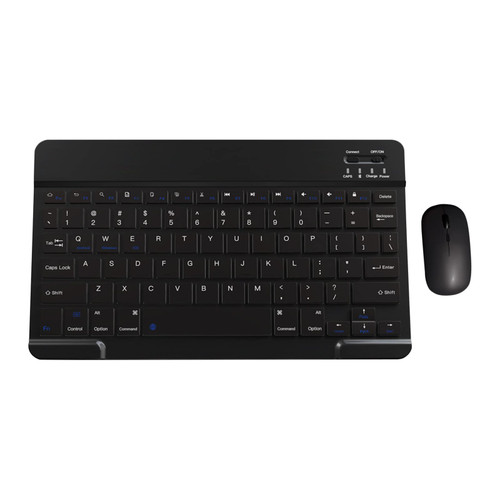
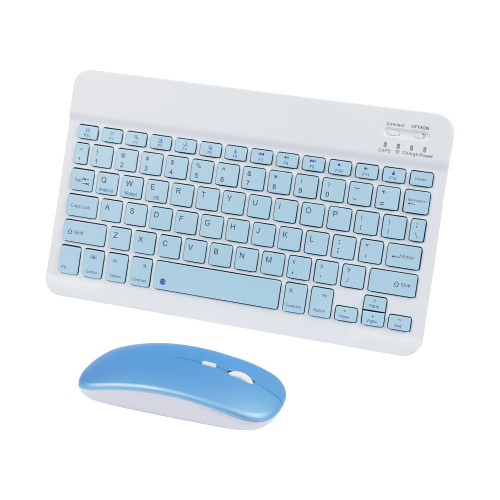
Product Specifications:
Charging Interface: Micro USB
Hot Keys: Press Fn + blue keys
// Keyboard connection method:
1: Turn on the ON/OFF switch.
2: Press CONNECT, the indicator of the Bluetooth logo will flash.
3: Turn on the Bluetooth switch of mobile device such as tablet/smartphone, search for Bluetooth device, the default Bluetooth name of the keyboard: Bluetooth 3.0 Keyboard.
4: Click the Bluetooth 3.0 Keyboard on the tablet/smartphone, press the Enter to connect.
// Mouse:
Note: You need to update the system of your i-pad and phone to iOS 13 and above. And then turn on Assistive Touch : Open Setting > Accessibility > Touch > Assistive Touch.
-Bluetooth mouse connection method:
1: Turn on the ON/OFF switch to switch to Bluetooth.
2: Turn on the Bluetooth switch of the device such as tablet/smartphone, and then search for the Bluetooth mouse.
3: Click the Bluetooth mouse on the tablet/smartphone to connect to the device.
-2.4G mouse connection method:
1: Turn on the ON/OFF switch to switch to 2.4G.
2: Just plug the USB receiver into the USB port of the computer and you can start using it.
Package including:
1 * Bluetooth Keyboard
1 * Bluetooth Mouse
1 * USB Cable
1 * User Manual