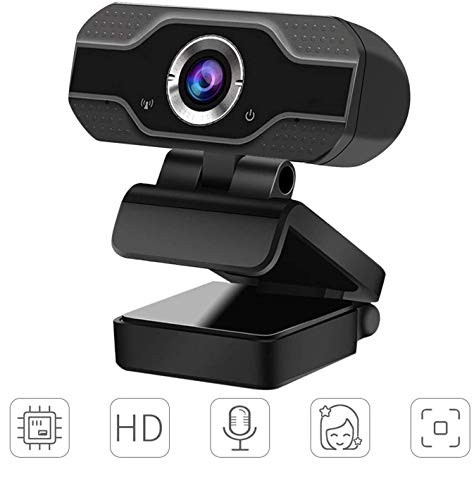
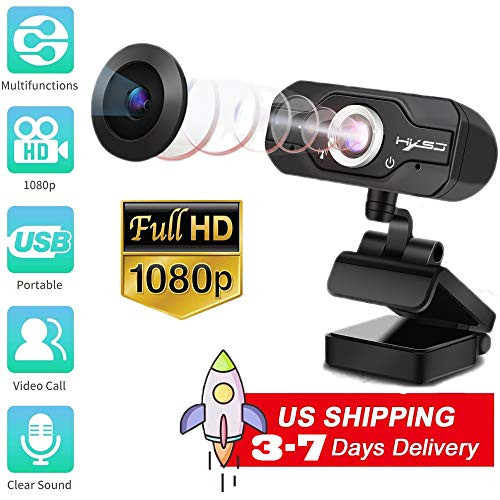
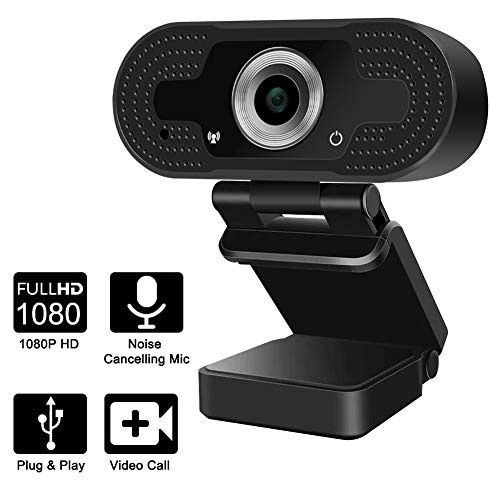
PRODUCT SPECIFICATIONS
Drive Type: UPnP
Sensor Type: CMOS
Frame Rate: 30FPS
Focus Range: 20MM
Image Format: BMP, JPEG
Video Format: H.264, AVI
Focus Features: Auto Focus
Resolution: 1080P/720P/480P/240P
Interface Type: USB 3.0
USB Cable Length: 150 CM
Microphone: Built-in Microphone
PACKAGING
Product Weight: 62.8G
Product Size: 70MM*50.7MM*44MM
Package Weight: 82G
Package Size: 100MM*58MM*58MM
NOTE:
If your PC has a built-in camera, you need to change the default camera settings. Such as change the default camera in the chatting software setting.
If Computer can't detect webcam?
For windows:
1.Right-click on the "My Computer" > "Manage" > "Device Manager" > "Cameras", check the device;
2.Please connect the camera to the USB port on the back of the computer.
For Mac:
1.Please restart your computer and re-plugging the camera, or connect the camera to another USB interface;
2.Please reset the PRAM to load the driver of the USB Live Camera, or upgrade the Mac OS system.
The steps to connect to Xbox one:
1. Insert the webcam to Xbox One USB port, access to the broadcasting options, click on the camera option, and open it;
2. Xbox One's audio is on the game handle, and external microphone needs to be plugged into the handle when used;
3. Click "Start up your broadcast", the live video will be displayed in the mixer live app.

Webcam with Microphone, 1080P HD Webcam PC Laptop Desktop Video Calling, Conferencing (Black)
Was:
$93.88
Now:
$46.94
(No reviews yet)
Write a Review

Write a Review
Webcam with Microphone, 1080P HD Webcam PC Laptop Desktop Video Calling, Conferencing (Black)
- SKU:
- O97576
- UPC:
- 769891333177
- Condition:
- New
- Availability:
- Free Shipping from the USA. Estimated 2-4 days delivery.