IPC Router
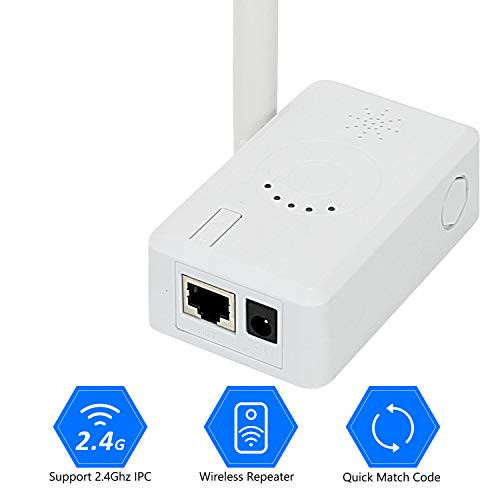
* Make wired NVR to be the wireless
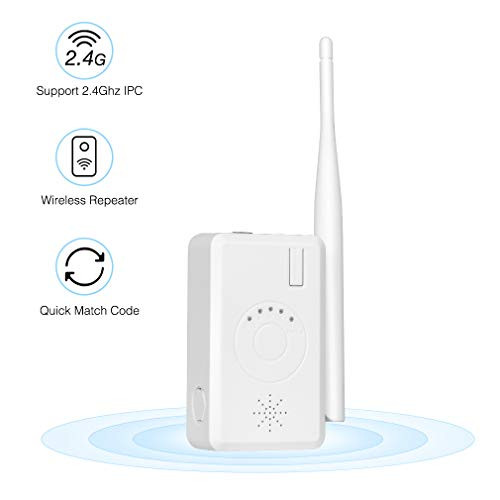
* Support wireless repeater function
* Support 2.4G wifi IPC
* Quick matching code
* Indicate the signal status of each IPC
* Voice conmment is available in matching code
Operation Guide:
1. Wired Matching Code:
Use network cable to connect router and cameras. Use switch to match code for muti Cameras at a time, press the button of reset key on router for 3 seconds to match code accoring to voice warning. When invoice indicates the success of matching code, it means the camera has been matched code successfully. (To restore factory settings by pressingf the button10 seconds).
2. Router Indicator Light
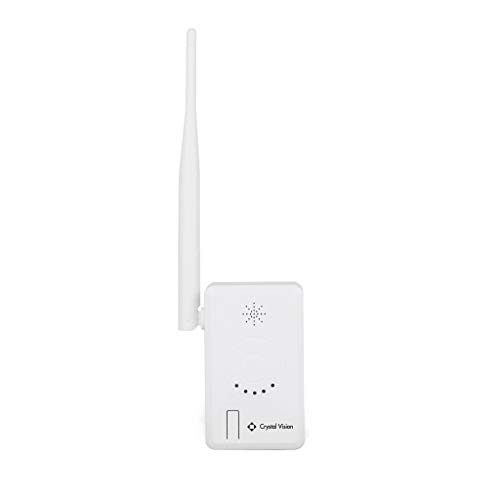
This router has 5pcs leds indicators in total, the right one is wired network indicator, light-on means routerconnects with wired network. 4 leds light on left side indicate the number of wireless cameras connected. 4 light are on while 4 cameras are connected successfully.
3. Connect NVR through Onvif
After wireless cameras match code with IPC router successfully, use a network cable to connect IPC router and NVR/DVR. Search and add wireless cameras have IP self-adaption function. Dont worry about the issue of different network segment.
4. Connect NVR through N1
After matching code successfully, use a network cable to connect the router and NVR. Right click the mouse ? video management? refresh, search wireless IPC and IP address of router (router IP default to 192.168.1.1.198), click one key to add or add to add wireless IPC on NVR, if show of different segments, please use onekey to add.
5. Repeater Set up
IPC router can use as a repeater in a wireless NVR system.
A: Connect the IPC router with NVR by cable
B: Searching the IPC router in video management page, double click Router, then click match button to finish match code.

TMEZON Wi Fi Range Extender IPC Router Repeater for Wireless Home Security System IPC Cameras Indoor Using NVR CCTV
Was:
$107.86
Now:
$53.93
(No reviews yet)
Write a Review
Write a Review
TMEZON Wi Fi Range Extender IPC Router Repeater for Wireless Home Security System IPC Cameras Indoor Using NVR CCTV
- SKU:
- O689778
- Condition:
- New
- Availability:
- Free Shipping from the USA. Estimated 2-4 days delivery.