Features:
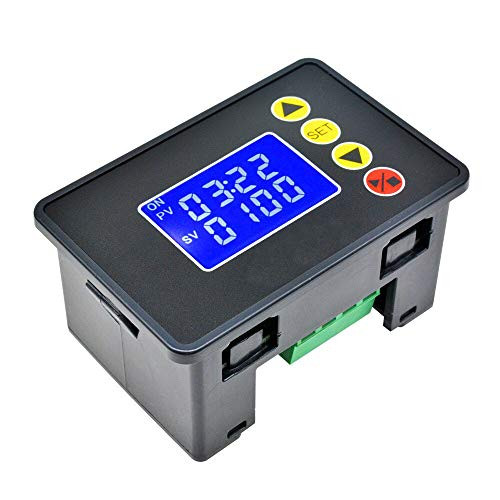
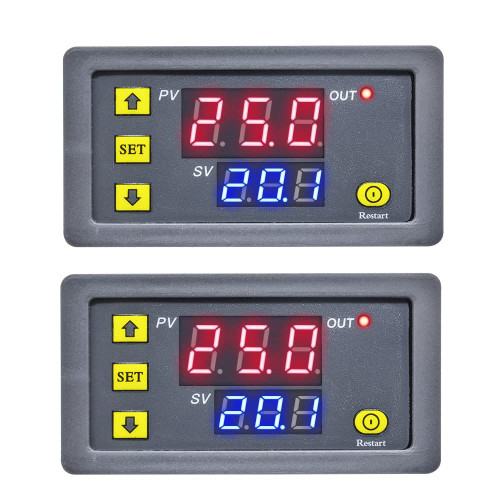
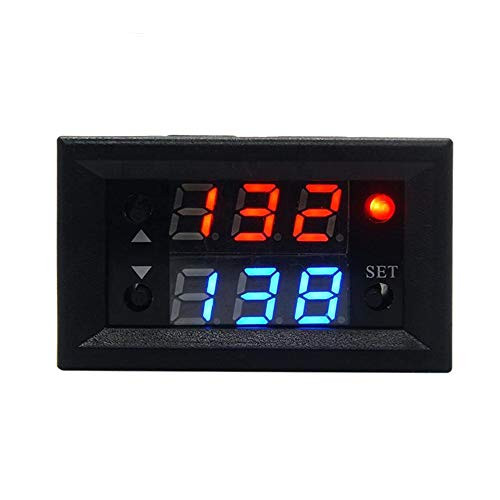
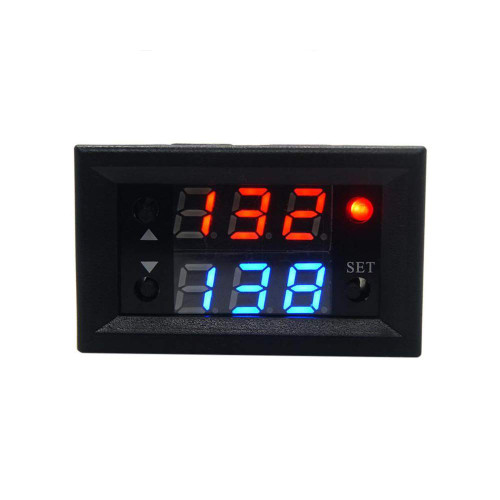
1.Double LED Display:can set two sets timing time.Timing time T1,timing time T2
2.Three Timing Time Chosen:0-999s,0-999min,0-999h
3. Operating Mode Setting:Delay, Timing, Loop
Instructions for use:
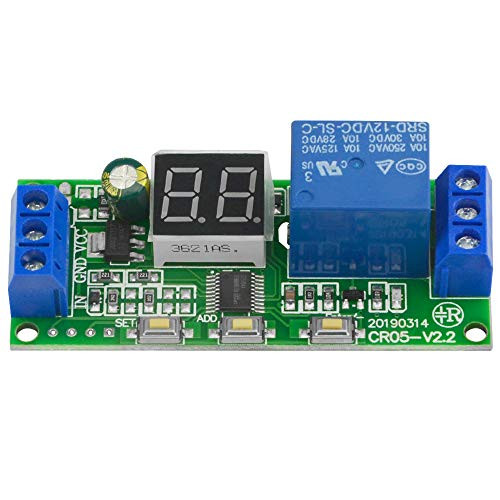
1. Connect the circuit diagram according to the circuit diagram
2. After the power is turned on, the default is the working interface: there are two sets of time for the user to set. Short press set to enter the time setting mode. At this time, the digital tube will flash. Pass +-Set time T1; press again set to set time T2; after setting, press short again set to save Set the data or wait for the 6S system to automatically save the data.
3. Long press "set", enter the parameter setting interface, the default is P0--0, you can set P0 by "+""-"
P0--0 means that the timing range is seconds
P0--1 indicates that the timing range is min
P0--2 indicates that the timing range is hour
P0 setting is completed, short press "set" to switch to P1, the same method to set P1 (P0: timing range P1: working mode)
P1--0 mode: after delay T1 time, relay will operate (T1 timing)
P1--1 mode: after delay T1 time, relay will not operate (T1 timing)
P1--2 mode: after delay T1 time, relay will operate (T1 timing); after delay T2 time, relay will not operate (T2 timing), end
P1--3 mode:after delay T1 time,relay will not operate(T1 timing);after delay T2 time,relay wil operate(T2 timing),end
P1--4 mode:after delay T1 time,relay will operate(T1 timing);after delay T2 time,relay wil not operate(T2 timing),repeat cycling
P1--5 mode:after delay T1 time,relay will not operate(T1 timing);after delay T2 time,relay wil operate(T2 timing),repeat cycling
After setting, press set again to save the setting data or wait for the 6S system to automatically save the data.

Taidacent 2 Pcs 12V 20A Relay Timing Delay Repeat Cycle Timer Relay Dual LED Display Digital Timer Relay Switch On and Off Time Relay Switch Module (Black)
Was:
$76.50
Now:
$38.25
(No reviews yet)
Write a Review
Write a Review
Taidacent 2 Pcs 12V 20A Relay Timing Delay Repeat Cycle Timer Relay Dual LED Display Digital Timer Relay Switch On and Off Time Relay Switch Module (Black)
- SKU:
- ZD148295
- UPC:
- 795749946237
- Condition:
- New
- Availability:
- Free Shipping from the USA. Estimated 2-4 days delivery.