

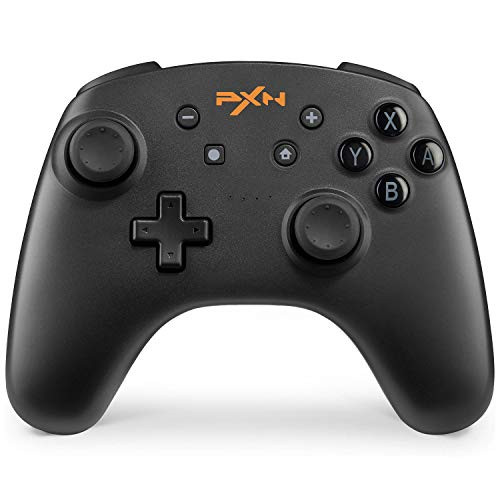
Pairing Guide:
- 1. Turn on the Switch console
- 2. Select "Controllers" ? "Change Grip/order"
- 3. Press and hold both "HOME" & "Y" buttons for 3s
- 4. LEDs around the HOME button will begin the circulate, indicating the controller is in pairing mode
- 5. Wait until the LED circulation ends, one of the LEDs will stay solid bright for 5s, indicating the pairing has completed
Perfect compatible with switch games of nintendo all Nintendo Switch games can be played.Let's enjoy the switch wireless remote games of Nintendo time.
Built-in Amiibo functionality:
When you're playing the legend of Zelda,Super Smash Bros, you can use the amiibo feature for more fun
Bulit-in motor & Turbo function:
switch gaming controller supports motor vibration when playing Nintendo games.
Motion controls:
with 6-axis Somatosensory technology, including motion controls function for Nintendo motion sensing games such as the legend of Zelda.
Long time playing:
rechargeable battery: switch Pro controllers built-in 550mA battery life is about 20 hours when playing continuously;
Ergonomics design:
pro controller switch ergonomics design enables you playing a long time without feeling uncomfortable or tired share games with your friends: BENTCOOL switch controller can be used easily even in long term game sessions. Let's enjoy the switch console game more for everyone Wireless
Package Content:
- 1 * Wireless Pro Controller for Switch
- 1 * USB Charging Cable
- 1 * User Guide
NOTICE:The Bluetooth game controller DOESN'T turn the Switch on from sleep mode.


