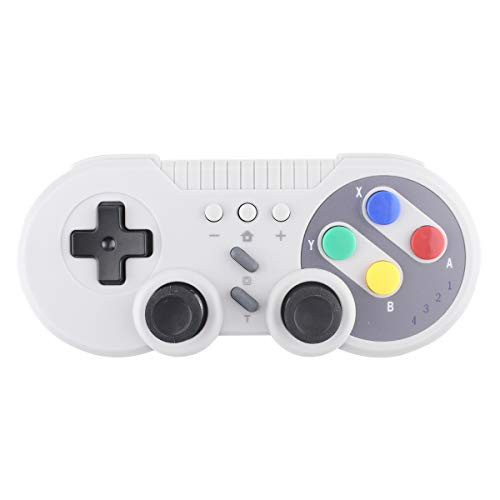
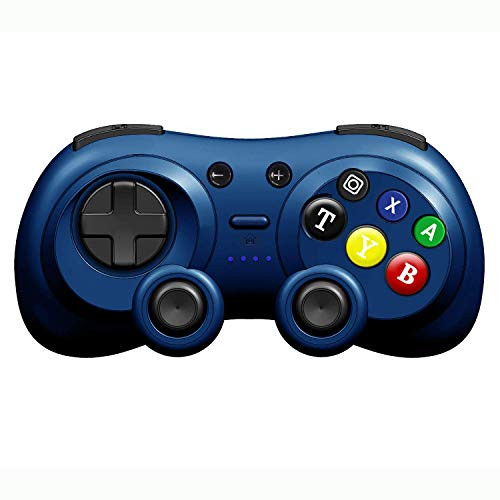
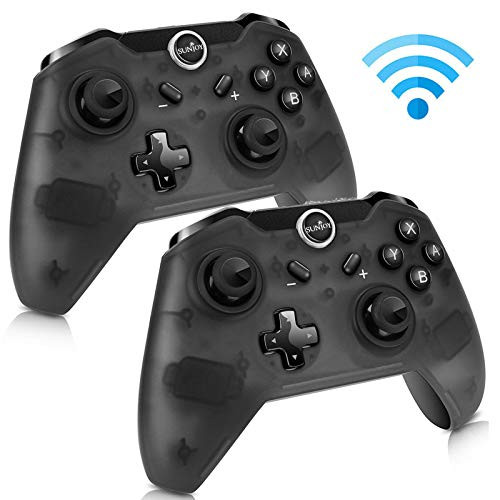
Connection Instruction:
1. Connecting to Switch console via wireless:
Power on the Switch console, click "Controllers"-"Change Grip/order" to pairing mode, then press the "HOME" key on the controller and hold for 4s to power on the controller. Press the "B" key to return to the main interface of the console.
Note: If a Switch console is in sleeping mode, the console can't be woken up by directly pressing any keys of the controller.
2. Connecting to Switch console via USB cable:
On the Switch console, click "Settings"-"Controllers and Sensors"-"Pro Controller Wired Communication"-"ON" to open Pro controller wired connection; connect the controller to the USB port of the console holder through a USB cable.
3. Connecting to Windows PC via USB cable:
After the X-360 diver is downloaded and installed on a Windows PC, connect the controller to the Windows PC through a USB cable. Games of X-360 mode are supported. X-360 drivers can be gotten from the internet.Note: With vibration function but without motion sensing function under X-360 mode wired connection.
Specification:Continuous operating time: Around 5 hrsCharging time: 2-3 hrsUse distance: Less than 25ftBattery voltage/capacity: 3.7V/300mAh
Package Includes:1 x controller1 x USB-Type C charge cord1 x user guide

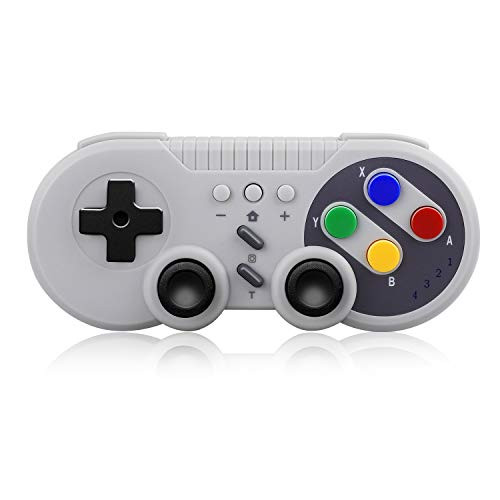
Sunjoyco Wireless Pro Game Controller USB Classic Gamepad Compatible with Nintendo Switch Windows PC
Was:
$92.56
Now:
$46.28
(No reviews yet)
Write a Review
Write a Review
Sunjoyco Wireless Pro Game Controller USB Classic Gamepad Compatible with Nintendo Switch Windows PC
- SKU:
- M130261
- Condition:
- New
- Availability:
- Free Shipping from the USA. Estimated 2-4 days delivery.