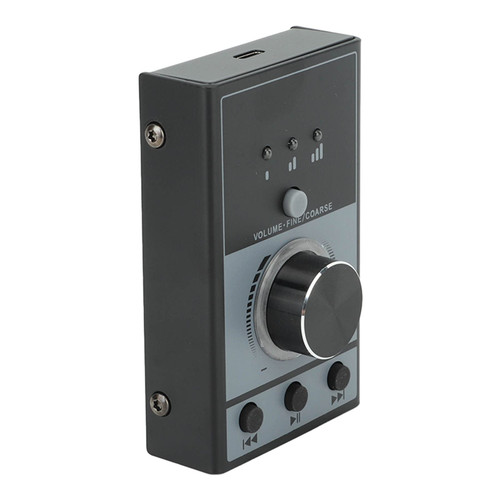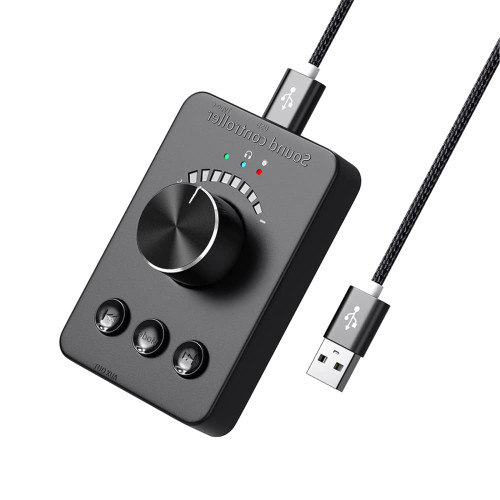
Feature:
C. -compatible transmission: When the green is ON, press and hold the MODE button to enter the -compatible search, the green light flashes quickly, it can automatically match, -compatible earphones / speakers and other devices, the green light is stable after pairing is successful.
Description:
Product Name: Adapter
-compatible version: -compatible 5.1;
-compatible protocol: A2dp\avctp\avttp\avrcp\hfp\spp\\att-\gatt\rfcomm\sdp\l2Cap;
Music format: MP3, APE, FLAC, AAC, MP4, M4A, WAV, AIF, AIFC;
Signal-to-noise ratio: ?90dB;
-compatible transmitter: 1. Press the mode button to turn on the -compatible transmission mode, and the green light flashes slowly (connected). The last successfully paired -compatible headset/speaker will automatically reconnect. 2. For new -compatible earphones, press the 3s mode button, the green light will flash quickly. To enter -compatible search mode, automatically find and connect new -compatible headphones/speakers. If it is not the correct -compatible headset, keep pressing the "Mode" button to find and pair the next -compatible headset. 3. Press and hold the mode key to go from (A) to (B), (B) to (C), (C) to (D). If you need to reconnect the -compatible headset (A), disconnect and connect the USB cable;
Green light blinking slowly: Reconnect (automatically connects to the latest -compatible headphones/speakers);
Packing list:
1 x -compatible adapter
1 x USB cable
1 x instruction manual
1 x packing box
Note:
1. Due to manual measurement, please allow 1-3cm error. Make sure you don't mind before bidding.
2. Due to the difference of different monitors, the picture may not reflect the actual color of the product. Thanks.