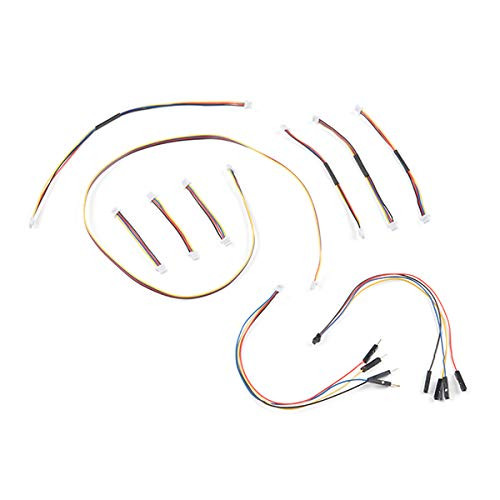
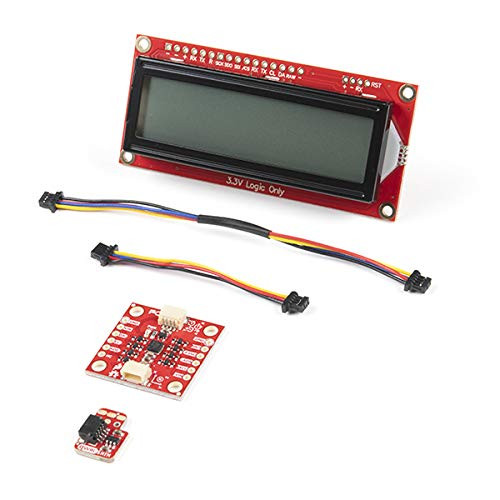
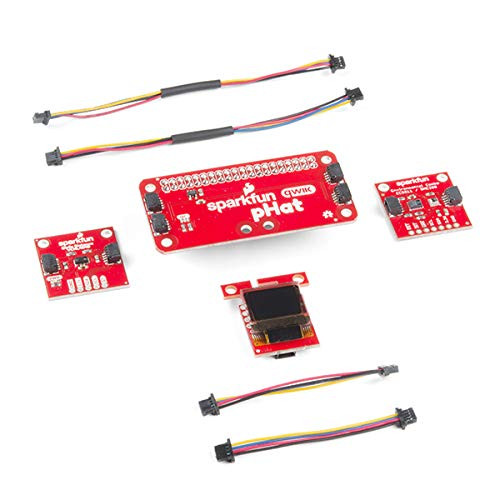
The kit comes w/ two displays, 1 red & 1 white. Also included in this kit are 10 standoffs & screws for mounting as well as two Qwiic cables to get up & running as fast as possible. W/ a wide variety of Qwiic enabled microcontroller boards available we decided not to include one so you could choose the one that fits best w/ your current project needs. This is the only part you need to supply yourself.
The SparkFun Alphanumeric Display compatible with Arduino library makes printing strings to the display as easy as calling the print() function. W/ this library, you'll be able to send I2C commands to the VK16K33 LED driver chip to light up segments (including the decimal point or colon) & even scroll your string across the display. You can download the library through the Arduino library manager by searching 'SparkFun Alphanumeric Display' or you can get the GitHub repo as a .zip file & install the library from there.
The VK16K33 also supports I2C address configuration. Simply close a combination of the address jumpers on the back & you can communicate w/ up to four displays on the same bus. Our slim board design also features detachable standoff holes, vertical Qwiic connectors, & internal mounting holes.
The SparkFun Qwiic Connect System is an ecosystem of I2C sensors, actuators, shields & cables that make prototyping faster & less prone to error. All Qwiic-enabled boards use a common 1mm pitch, 4-pin JST connector. This reduces the amount of required PCB space, & polarized connections mean you cant hook it up wrong.