Installation
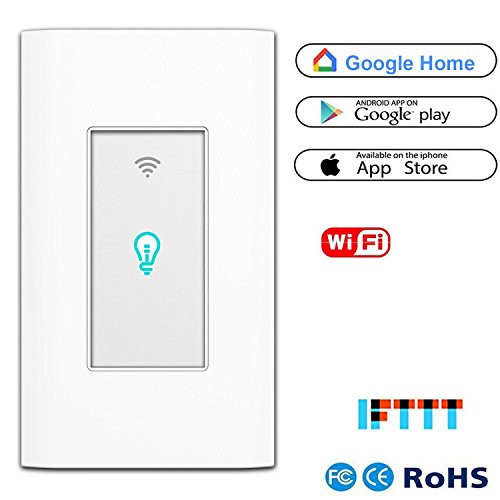
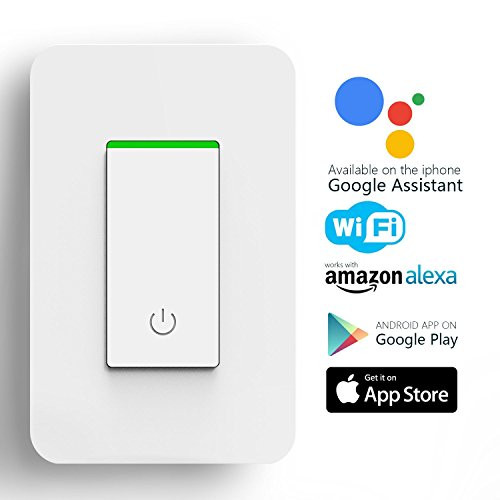
Cut off the power supply before you begin to prevent electric shock hazard. You will find it is easily as a normal light switch.
Please make sure there is a neutral wire in your switch box, which is required for installation.
Download & Registration
Download Smart Life app from App Store or Google Play.
Register your account
Connect your mobile device to your 2.4GHz Wi-Fi network.
Set-up
Preparation: Device has connected with electricity, long press on/off button for 5 seconds until indicator light quickly flashes,the application already stepped into Devices interface
Phone has connected to WiFi router and been able to connected to Internet.
Tap the icon + at the top right corner of Devices.
Make sure the indicator light is flashing quickly, then tap the related button in application.
Choose the local WiFi and enter the correct password,tap Next.
Wait for configuring successfully, then tap Done.
NOTE: NOT COMPATIBLE WITH ELECTRICAL BOX WHICH HAVE AN OPENING less than 3-1/8" (79mm). Please make sure connect your mobile device to your 2.4GHz Wi-Fi network.
Specification
Power supply: Neutral + live wire
Rated Current?15A
Rated Voltage?AC110V~125V/50-60Hz
Rated Power?1 Gang (1800W)
Wireless Standard?IEEE802.11b/g/n
Working frequency?2.412~2.484MHz
Safety?WEP/WPA-PSK/WPA2-PSK
Encryption?WEP/AES/TKIP
Static power loss??0.5W
Working Temp?-20?C?75?C
Humidity?<95%
Touch life: One million
Dimensions? 44x104x35.5MM

Smart WiFi Light Switch Alexa Wall Smart Switch Phone Remote Control Wireless Touch Switch Compatible with Alexa Google Home Timing Function Overload Protection No Hub Required 2 Pack
Was:
$157.88
Now:
$78.94
(No reviews yet)
Write a Review

Write a Review
Smart WiFi Light Switch Alexa Wall Smart Switch Phone Remote Control Wireless Touch Switch Compatible with Alexa Google Home Timing Function Overload Protection No Hub Required 2 Pack
- SKU:
- q191872
- UPC:
- 798863217726
- Condition:
- New
- Availability:
- Free Shipping from the USA. Estimated 2-4 days delivery.