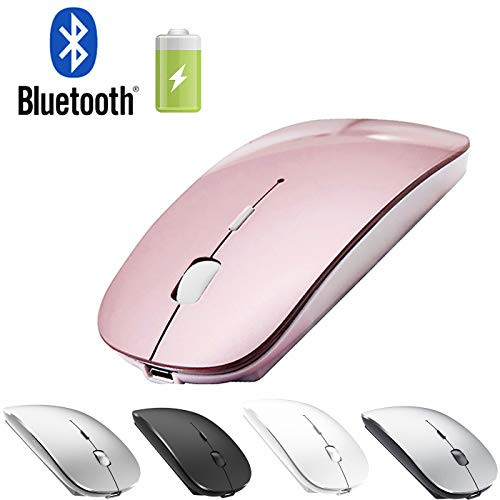
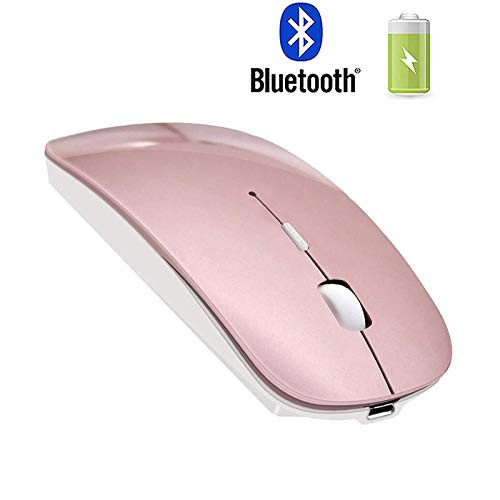
?Packaging list: instruction x1, rechargeable Bluetooth mouse x1, USB Charging line x1, packaging carton x1.
How to use Bluetooth wireless mouse:
? Apply to Mac MacBook/pro/Air 2012-2019: first, open the mouse switch, open the computer system preferences, open the bluetooth, when the computer Bluetooth display is searching for nearby Bluetooth devices, hold down the mouse button (at the bottom of the mouse small black button) and keep 3 to 8 seconds, and then your computer display the search bluetooth mouse, bluetooth device click on the link, and then the connection is successful
? Apply to Win7/8/10/XP series notebook computer usage instructions: First, open the mouse switch, open the computer settings, open the device Bluetooth function, open add Bluetooth, open Bluetooth, when the computer Bluetooth display is searching for nearby Bluetooth devices, hold down the mouse button (at the bottom of the mouse small black button) and keep 3 to 8 seconds, and then your computer display the search bluetooth mouse, bluetooth device click on the link, and then the connection is successful
???if your computer can't find the bluetooth mouse device, please shut down and restart the computer, the mouse, and according to the steps to connect again)
🔋How to Charge Wireless Mouse?
🔋??This is a rechargeable mouse. It doesn't require you to buy any other batteries. It already has a built-in lithium battery. It can be charged like a mobile phone. There is a USB charging line in the box.
🔋?BUILT-IN BATTERY:Built-in battery,easy to charge by micro usb cable,no more need for extra AAA battery.please please keep the mouse power switch in "ON" position when charging
🔋When the pointer of your mouse does not move or cannot be used, or suddenly disconnects continuously in use, you need to charge it for about 3 hours. Please use the USB port of your computer to charge it, or use an adapter with an output of

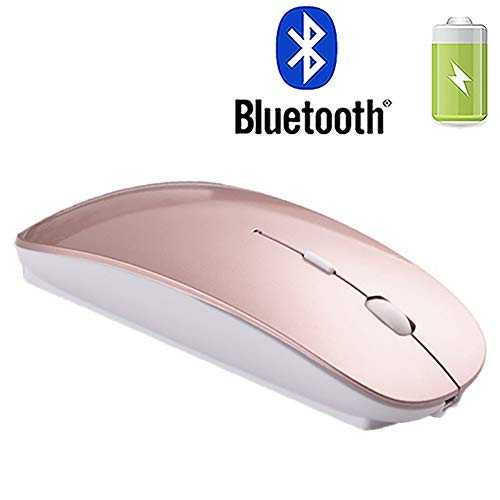
Rechargeable Wireless Bluetooth Mouse for MacBook Pro MacBook Air Mac Laptop Notebook Windows (Rose Gold)
Was:
$83.76
Now:
$41.88
(No reviews yet)
Write a Review
Write a Review
Rechargeable Wireless Bluetooth Mouse for MacBook Pro MacBook Air Mac Laptop Notebook Windows (Rose Gold)
- SKU:
- II165532
- UPC:
- 706597482518
- Condition:
- New
- Availability:
- Free Shipping from the USA. Estimated 2-4 days delivery.