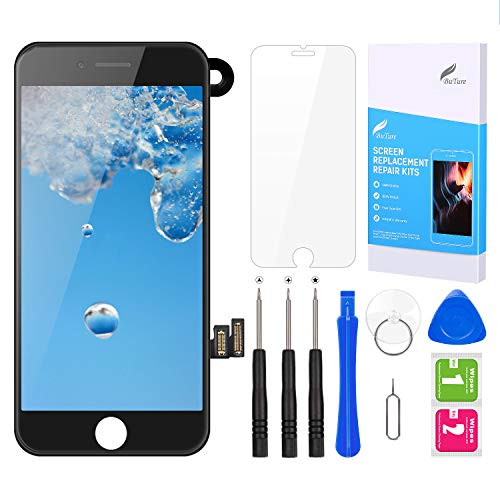
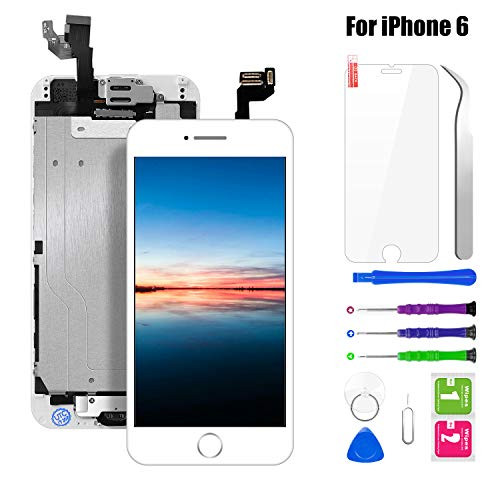
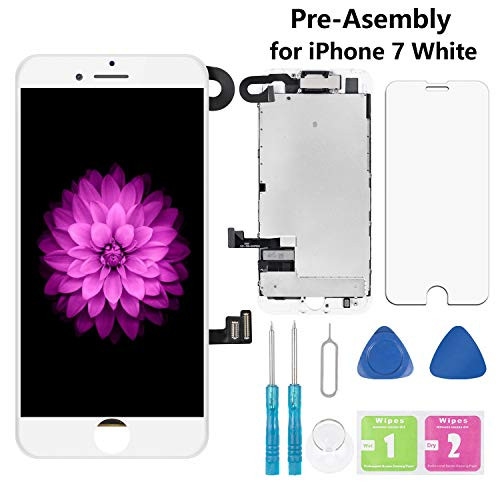
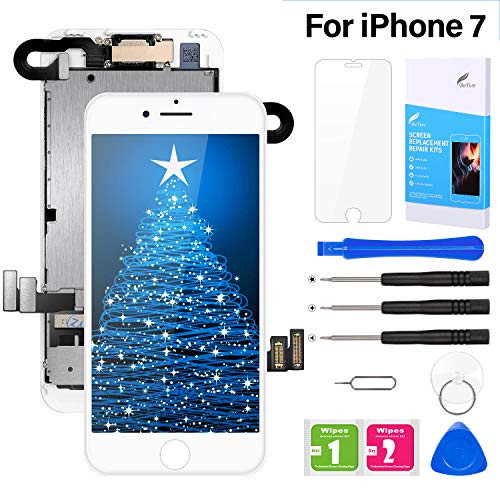
For iPhone 7 screen replacement assembly Tips before installation: 1, Compatibility: Replacement for iPhone 7 White 4.7 2, Make sure your phone is powered off before installation. 3, Check the LCD replacement to make sure the flexible cable is in good condition and no debris/visible dust on the connector. 4, Be aware of the sensitive and frangible flex cables, and screws should be on the right position. 5, We recommend to watch online videos, or replace the screen replacement with the help of experienced people. Important: The Touch ID function will only work with original home button assembly. You will need to transfer the button assembly from your old screen to retain Touch ID. Package included: 1 x for iPhone 7 Screen Replacement 1 x for iPhone 7 Tempered glass screen protector 1 x Sets of Magnetic Tools Q: Why the phone cannot turn on after replaced the screen? A: Reset the phone by pressing both Power and Home Button together for at least 15 seconds. Q: What should i do if there are colorful lines going down the screen? A: Check the LCD to make sure the flex cables are in good condition and there are no debris on the connectors. Then reconnect all the cables and leave the phone alone overnight in a dry environment and power on the phone in the morning. Q: Why the Proximity Sensor/Ear Piece Speaker/Front Camera doesnt work? A:Swap the original cable from your original screen to the new screen.

Pre-Assembled Screen Replacement for iPhone 7 4.7, LCD Display Touch Digitizer Replacement with Front Camera, Proximity Sensor, Ear Speaker and Repair Tool Kits (White)
Was:
$85.88
Now:
$42.94
(No reviews yet)
Write a Review
Write a Review
Pre-Assembled Screen Replacement for iPhone 7 4.7, LCD Display Touch Digitizer Replacement with Front Camera, Proximity Sensor, Ear Speaker and Repair Tool Kits (White)
- SKU:
- N326274
- UPC:
- 6941260410410
- Condition:
- New
- Availability:
- Free Shipping from the USA. Estimated 2-4 days delivery.