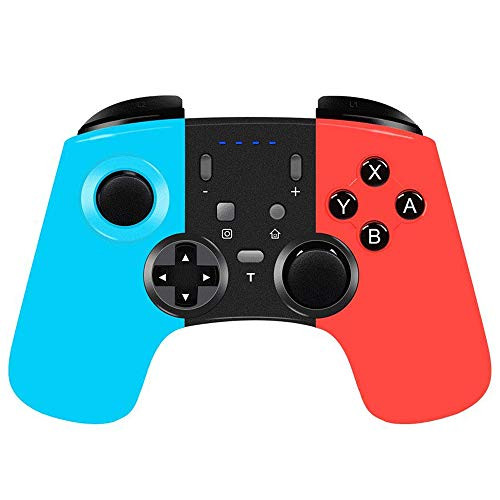
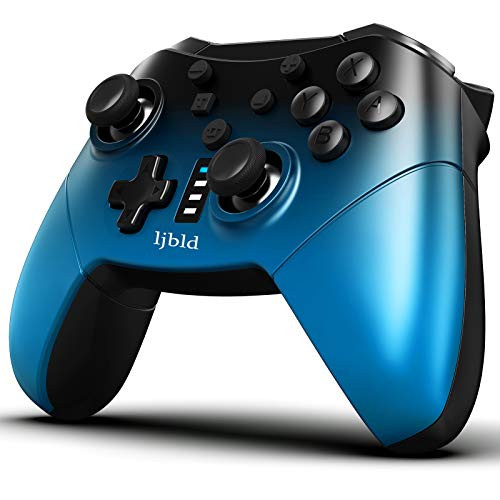
1. Features
1) This product is a new wireless game controller that is compatible with Switch.
2) No need to load any driver, the handle can be used after pairing with the host.
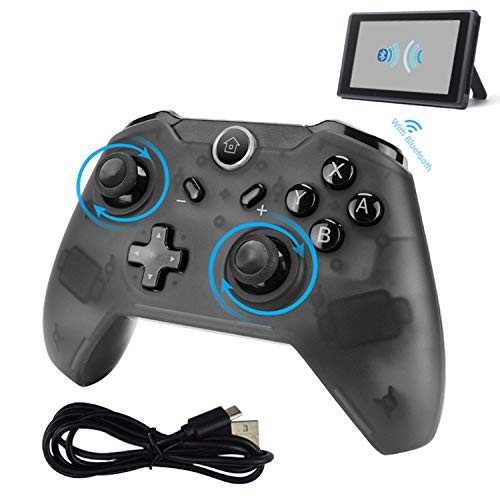
3) It adopts Bluetooth wireless communication to connect with the host, which has strong anti-interference ability, free control and stable connection signal.
4) Ergonomic design and light handle structure make the player feel comfortable, even if you continue to play the game without fatigue.
5) This handle supports the gyroscope axis function and supports the dual motor vibration function. No NFC function.
2. Connection instructions (detailed instructions)
1) Turn on the Switch host, the host display is lit, and enter the host menu interface (the display connected to the host displays the host screen).
2) Connect the handle to the host for the first time: In the host menu interface, touch the controllers?Change Grip/order with your finger to enter the host pairing mode interface. Press and hold the Y + HOME key combination for 3 seconds to open the handle. The four LEDs under the HOME button start to flash rapidly, and the handle enters the pairing mode. After 5 seconds, the handle is successfully paired with the host, one LED is always on, then press the A button. .
3) When connecting the handle to the host again, press and hold the HOME button for 2 seconds to open the handle, the handle is automatically connected with the host, and then press the A button to operate.
4) In the sleep state of the handle, short press the HOME button to wake up the handle, the handle and the host automatically connect back, then press the A button to operate.
Note: The handle is connected to the host for the first time. If the host menu interface is not operated, the handle will not be automatically paired with the host.

Nintendo Switch Controller, Simicoo Wireless Controller Gaming Gamepad Supports 6-Axis Motion Controls and Gyroscope Dual Motors Vibration Remote Controller Joypad for Nintendo Switch PC
Was:
$97.88
Now:
$48.94
(No reviews yet)
Write a Review
Write a Review
Nintendo Switch Controller, Simicoo Wireless Controller Gaming Gamepad Supports 6-Axis Motion Controls and Gyroscope Dual Motors Vibration Remote Controller Joypad for Nintendo Switch PC
- SKU:
- Z520764
- UPC:
- 602168182897
- Condition:
- New
- Availability:
- Free Shipping from the USA. Estimated 2-4 days delivery.