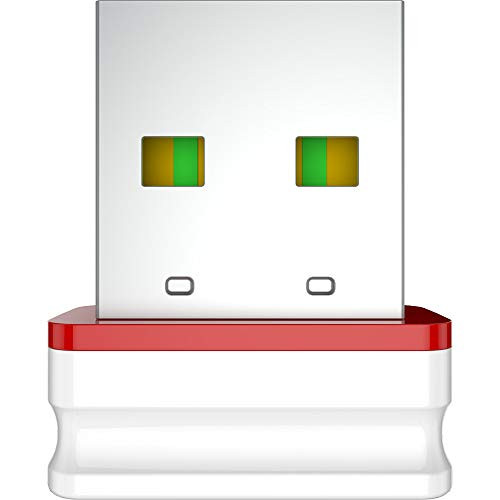
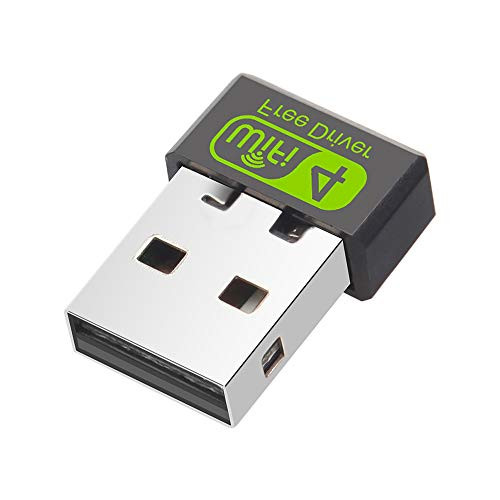
Why choose this N300 WiFi range extender ?
This range extender boosts your existing router's Wi-Fi signal where you may have experienced a weak Wi-Fi before.
You will be able to enjoy HD streaming,video calls and browsing internet with minimal amounts of annoying delays and interruptions from now on.
Easy Installation
1. Connect WiFi signal like "comfast-xxx" in WLAN setting
2. Open the browser and type the IP address: 192.168.10.1
3. Enter the default password "admin" and click the "login"
4. It will scan the wireless signal, and then please choose the signal you want to repeat
5. Enter the WiFi password of your wireless router
6. The repeater will be setting successfully within 30s. Then you can go to WLAN setting
Attension
1. The wifi extender only extends the wifi coverage range, BUT please know that it couldn't boost the speed of your original router
or hold the same speed of the original router.It means that it's wifi speed may be weakened compare with your router.
2. The distance that WiFi signal can extend, is depending on the distance among router, repeater and WiFi users.
So controlling the distance between repeater and router, then you can control the distance that WiFi siganl can extend.
Frequently Asked Question
Q1.Why it shows my router password is wrong or empty after inputting it?
A.Please check your router encryption way. If it is WEP, please change it to WPA, and make sure your router password must be 8-32 characters.
Note: WEP is a very old and unsafe encryption way, so we suggest you should change it to WPA.
Q2.How to change my router's encryption way WEP to WPA?
A.Use a wireless device, connect to your router WiFi, then open a browser in this device, enter your router's ip address in the address bar of the browser
Click "Wireless Settings" and "Wireless Encryption"
Click "Secure Mode" and you will see WPA

N300 WiFi Range Extender, 300Mbps WiFi Booster, WiFi Repeater Signal Booster
$20.97
(No reviews yet)
Write a Review

Write a Review
N300 WiFi Range Extender, 300Mbps WiFi Booster, WiFi Repeater Signal Booster
- SKU:
- HZ290425
- UPC:
- 745695166357
- Condition:
- New
- Availability:
- Free Shipping from the USA. Estimated 2-4 days delivery.