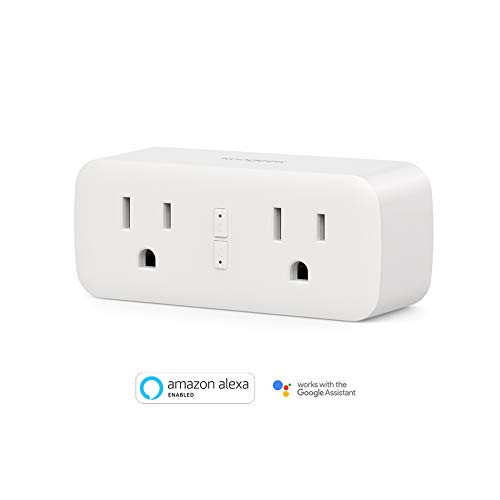
About Smart Life APP
Step 1: Search " Smart Life " on App store, Google Play, or Scan the QR code on the User Manual
Step 2: Register an account with your email or phone number;
Step 3: Plug the Smart WiFi Plug into any outlet;
Step 4: Add device on the app;
Step 5: Select your Wi-Fi and enter password;
Step 6: Wait for connecting and assign a name to each plug.
For Optimal Use:
1. If the indictor doesn't flashing when you plug in the wifi plug for first connection, please hold a 5-10 seconds press on the button of the smart plug see if it's start flashing;
2. If the smart device can't be connected to WiFi, please long press ON/OFF button for 5~10 seconds to reset the smart plug;
3. The smart device only work with 2.4 GHz network. If your router broadcasts both 2.4 and 5GHz, please selected the 2.4GHz network with the app. If connection still failed,we recommend you call your ISP and had them completely shut off the 5 GHz network on the router; You are free to change the network to 5 GHz again after connecting;
4. Please try to make the smart plug and router as close as possible when first connection, you can change the place after connecting sucessfully.
5. Please keep in mind that the "Smart Life" app should be set up already before setting up with Alexa or Google.
Technical Specifications:
Working Temp: -10 ~ 60 ?
WIFI Requirement: 2.4Ghz Only
Rated Voltage: 100 - 240V
Rated Current: 10A Max
AC Frequency: 2.4 Ghz
Max power: 1100W (110V x 10A)
Do not connect this outlet switch to high power electrical appliances, such as air conditioner, heater, microwave over, and any other appliances with working power over 1100W.

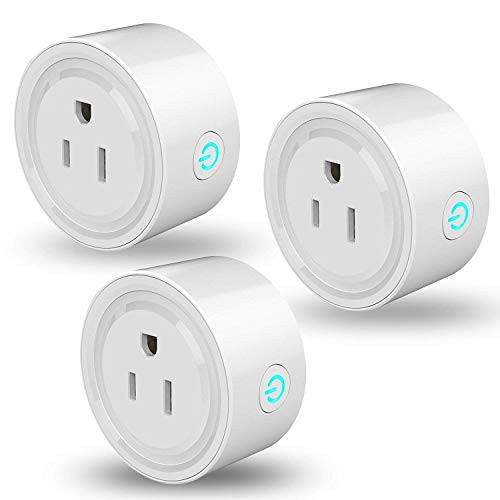
Linkstyle Smart Plug Mini WiFi Outlet Works with Alexa, Google Home & IFTTT, Remote Control Smart Socket with Timer Function, No Hub Required, ETL & FCC Certified, Only Supports 2.4GHz Network(3 Pack)
Was:
$109.88
Now:
$54.94
(No reviews yet)
Write a Review
Write a Review
Linkstyle Smart Plug Mini WiFi Outlet Works with Alexa, Google Home & IFTTT, Remote Control Smart Socket with Timer Function, No Hub Required, ETL & FCC Certified, Only Supports 2.4GHz Network(3 Pack)
- SKU:
- P415527
- UPC:
- 0738944218433
- Condition:
- New
- Availability:
- Free Shipping from the USA. Estimated 2-4 days delivery.