How to get it started in Arduino:
Setup driver
Before you use mini D1 boards, you need set up CH340g driver.
Python
On Windows you need install Python 2.7.10.
On Linux & MAC OSX, you don't need install it, comes preinstalled with OS.
Installing Hardware package:
There is two ways to install hardware package, Boards Manager and git.
Installing with Boards Manager:
Starting with 1.6.4, Arduino allows installation of third-party platform packages using Boards Manager. We have packages available for Windows, Mac OS, and Linux (32 and 64 bit).
Install Arduino 1.6.7 from the Arduino website.
Start Arduino and open Preferences window.
Enter
http://arduino.esp8266.com/stable/package_esp8266com_index.json
into Additional Boards Manager URLs field.
You can add multiple URLs, separating them with commas.
Open Tools?Board:xxx?Boards Manager and install esp8266 by ESP8266 Community
(and don't forget to select your ESP8266 board from Tools > Board menu after installation).
Installing use git (Recommend):
We recommend using git to install Hardware package, you can always get the latest version of it.
Install Arduino
Install Arduino 1.6.7 from the Arduino website.
Clone repository
Clone repository into Sketchbook_directory/hardware/esp8266com/esp8266 directory (or clone it elsewhere and create a symlink), you may need to create the hardware directory if it does not exist.
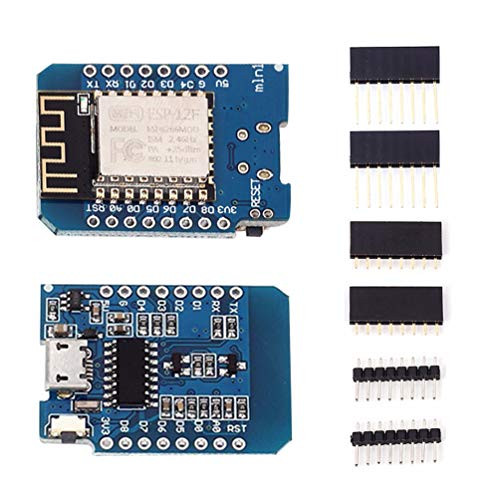
Package Includes: 5Pcs

KOOBOOK 5Pcs D1 Mini NodeMcu 4M Bytes Lua WiFi Development Board Base on ESP8266 for Arduino
Was:
$59.86
Now:
$29.93
(No reviews yet)
Write a Review

Write a Review
KOOBOOK 5Pcs D1 Mini NodeMcu 4M Bytes Lua WiFi Development Board Base on ESP8266 for Arduino
- SKU:
- N111263
- UPC:
- 682559865851
- Condition:
- New
- Availability:
- Free Shipping from the USA. Estimated 2-4 days delivery.

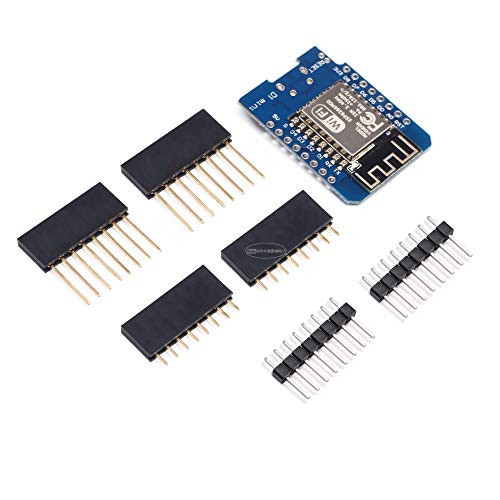
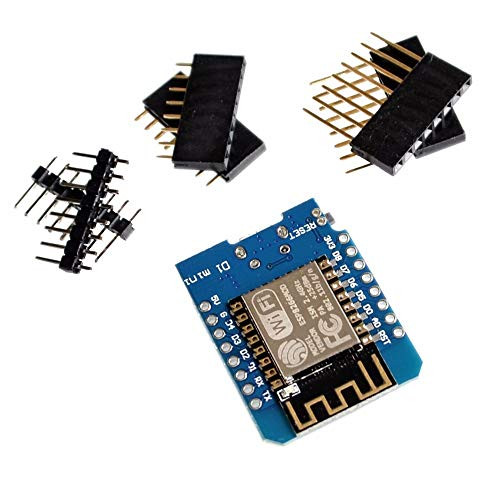

5pcs D1 Mini - Mini NodeMcu 4M Bytes Lua WiFi Internet of Things Development Board Based ESP8266
Was:
$126.38
Now:
$63.19