Support operating system
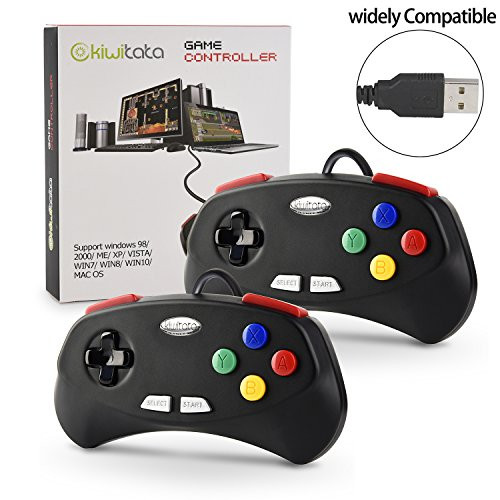
?Windows 32/64 bit & Mac OS System,PC running operating system:Windows 98/2000/ ME/XP/Vista/Win7/8/8.1/10 or later
?Mac running OS X 10.0/Mac OS X or above
?Linux running operating system:RedHat/SUSE/Debian/Ubuntu/Gentoo etc.
Supported game device with usb port:
PC Computer, Notebook/Laptop Computer,MacBook
Raspberry Pi ,Raspberry Pi 1 Model B, Model A, Raspberry Pi 1 Model B+, Raspberry Pi 2,Raspberry Pi OS, Raspberry Pi 3 Model B+, Raspberry Pi 3, Raspberry Pi Zero.
How to connect successfully and play the retro games on Mac computer.
1)Download the emulator what you like, such as "OpenEmu".
2) Plug usb controller and connect with your computer, scan it and recognize controllers.
3)Open the emulator and play these old classic games.
Matters needing attention:
- When you plug the controller to your computer, recognition does not appear on screen,please directly map your buttons before you start gamings.
- The first time you start "Retro", you will be asked to configure your controller. Please set up the button of usb controllers according to the steps. Open Emulator-Option-Controller-Controller Settings (Select Default Setup base) Map usb controller' buttons ? D-pad?SELECT?START?B?A?X?Y button -- define?- confirm Choose Emulator Rom file( game) -START-Play computer games
Package included:
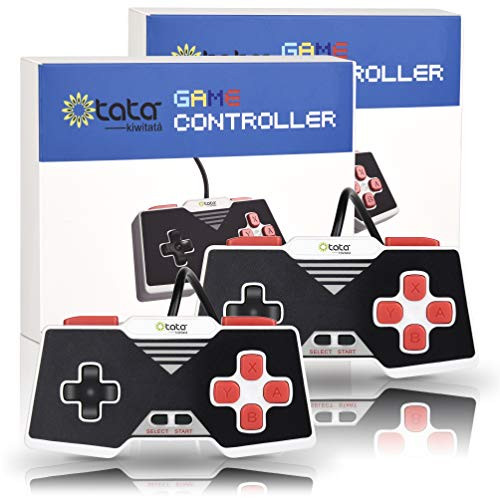
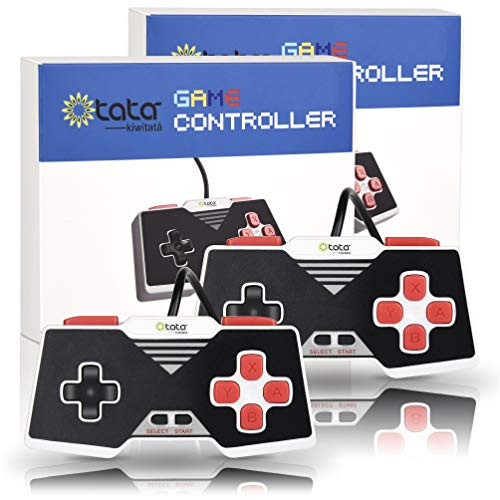
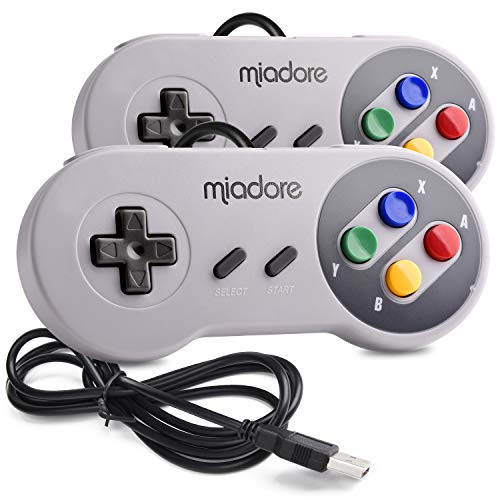
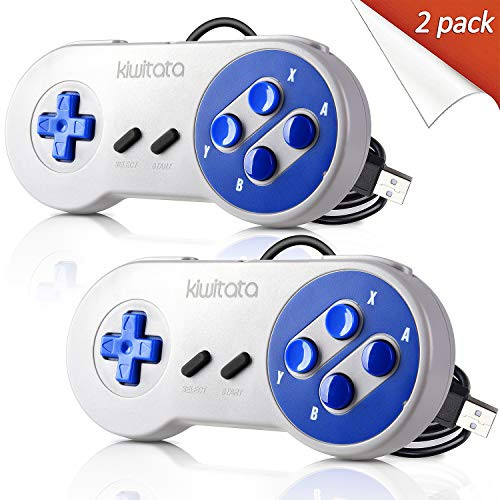
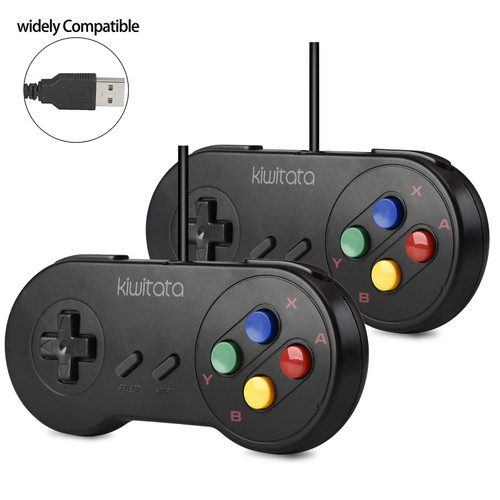
2* SNES USB controllers

KIWITATA 2 Pack Classic SNES USB Controller for PC Gamings, Retro SNES Wired USB Joypad Game Controller for Windows PC Mac Raspberry Pi
Was:
$81.88
Now:
$40.94
(No reviews yet)
Write a Review
Write a Review
KIWITATA 2 Pack Classic SNES USB Controller for PC Gamings, Retro SNES Wired USB Joypad Game Controller for Windows PC Mac Raspberry Pi
- SKU:
- ZYA921567
- Condition:
- New
- Availability:
- Free Shipping from the USA. Estimated 2-4 days delivery.