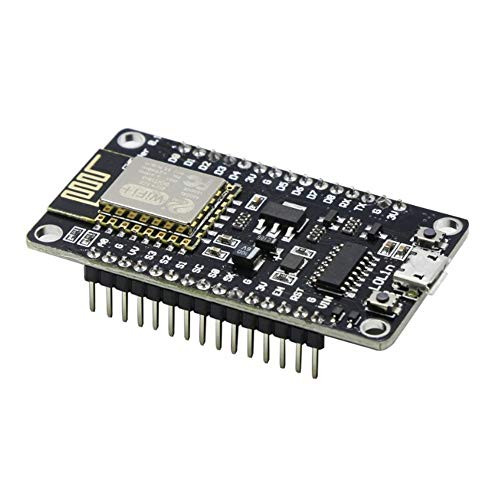
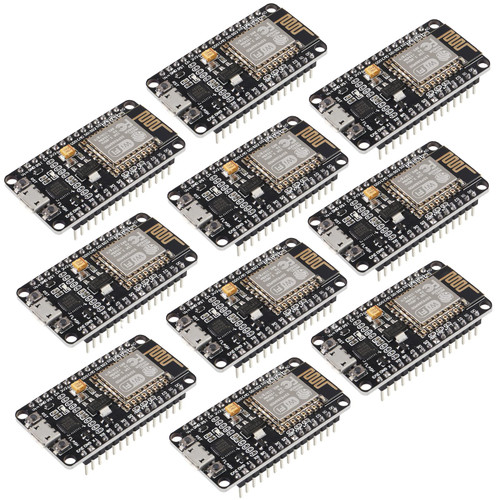
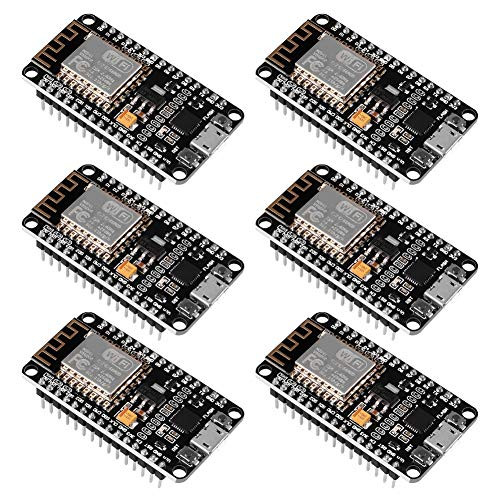
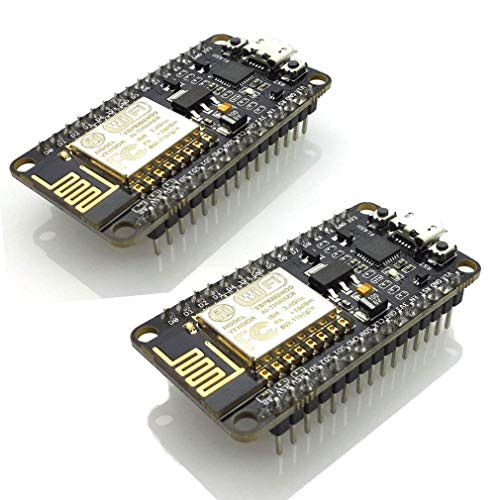
ESP8266 is a highly integrated chip that provides a complete and self-contained Wi-Fi network solution, allowing it to host applications or uninstall all Wi-Fi network functions from another application processor.
Instructions and steps:
1. Download the latest version of Arduino IDE; and install the IDE.
2. Set the Arduino IDE to: Go to "File" -> "Preferences" and copy the following URL to get the ESP board manager extension: http://arduino.esp8266.com/stable/package_esp8266com_index.json Allow Arduino at the URL The IDE uses http before using it: //... otherwise it will give you a protocol error.
3. Go to Tools>Board>Board Manager> Type "ESP8266" and download community ESP8266 and install.
4. Set the chip to: Tools -> Board -> NodeMCU 1.0 (ESP-12E Module) Tools -> Flash Memory Size -> 4M (3M SPIFFS) Tools -> CPU Frequency -> 80 Mhz Tools -> Upload Speed ??-> 921600 Tools-> Port-> (in any case)
5. Download and run 32-bit flasher exe on Github (search for nodemcu/nodemcu-flasher/tree/master/ on Github) github.com/nodemcu/nodemcu-flasher/tree/master/Win32/Release or download and in the following location and Run 64-bit flasher exe: github.com/nodemcu/nodemcu-flasher/tree/master/Win64/Release
6. In the Arduino IDE, look for the Blink program. Load, compile and upload. 7. Go to File>Example>ESP8266>Blink and it will start blinking. Data download access website: http://www.nodemcu.com/index_en.htmlFirmware link: https://github.com/nodemcu/nodemcu-firmware
Packing:
1*ESP8266 NodeMCU LUA CP2102 Development Board

ESP8266 microcontroller NodeMCU LUA CP2102 ESP-12E Internet WiFi Development Board Open Source Serial Wireless Module Suitable for Arduino IDE-Micropython. -ESP8266 x 3-
Was:
$93.88
Now:
$46.94
(No reviews yet)
Write a Review

Write a Review
ESP8266 microcontroller NodeMCU LUA CP2102 ESP-12E Internet WiFi Development Board Open Source Serial Wireless Module Suitable for Arduino IDE-Micropython. -ESP8266 x 3-
- SKU:
- ZA194894
- UPC:
- 780262884401
- Condition:
- New
- Availability:
- Free Shipping from the USA. Estimated 2-4 days delivery.