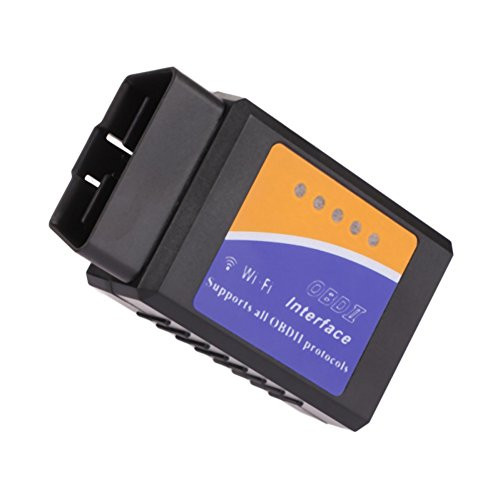
INSTRUCTIONS (see the last images of the publication) 1. Find the OBD2 interface under the dashboard of your car (it is usually on the driver's side) 2. Download the app that suits you best from your Play Store (recommended Torque or Car Scanner, OBD Facile, free, paid Apps like Torque Pro 3. Open the switch of your car or turn it on 4. Plug in the ELM327 V1.5 Scanner and a red LED will light up 5. Search the bluetooth of your cell phone and link it with the password 1234 (in Settings / Configuration / Bluetooth and looking for the OBDII device) 6. Open the application that you downloaded on your cell phone and start using the scanner functions. 7. When the scanner is working, a green LED lights up. For more information you can find very complete tutorials on YouTube searching for how to use elm327 bluetooth Type: Code reader Processor: ELM327 V2.1 Bluetooth 2.0 Voltage: 12V / Internal protection against short circuits or voltage variations Amperage: 45mA LIMITATIONS- WILL NOT read codes from another system (SRS, ABS), or Suspension OR TRANSMISSION. - NOT UPDATABLE - NOT recommended for use with the Carista app.

ELM327 V1.5 OBD2 Bluetooth Scanner Auto Diagnostic for iOS & Android, Car Check Engine Light Code Reader
Was:
$79.70
Now:
$39.85
(No reviews yet)
Write a Review

Write a Review
ELM327 V1.5 OBD2 Bluetooth Scanner Auto Diagnostic for iOS & Android, Car Check Engine Light Code Reader
- SKU:
- ZDW111093
- UPC:
- 7503031210477
- Condition:
- New
- Availability:
- Free Shipping from the USA. Estimated 2-4 days delivery.

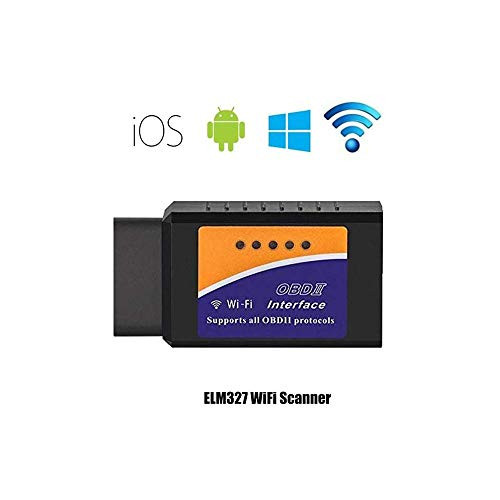
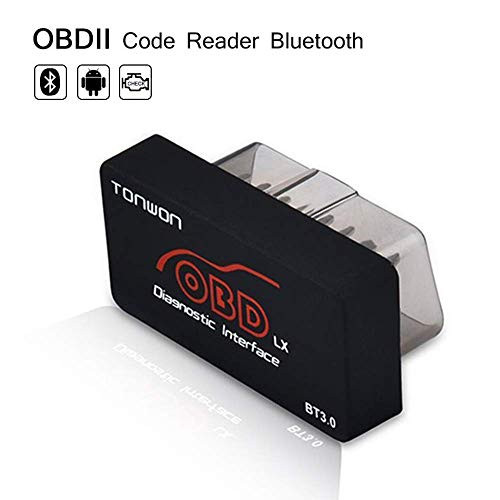

NEXPEAK Universal OBD2 Scanner WiFi for iPhone iOS Android Check Engine Code Reader ELM327 V1.5
Was:
$83.88
Now:
$41.94