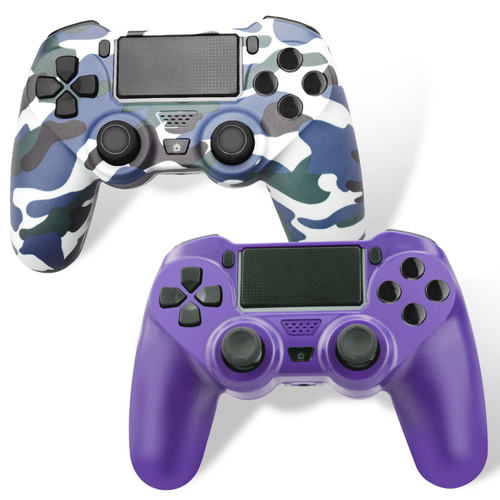
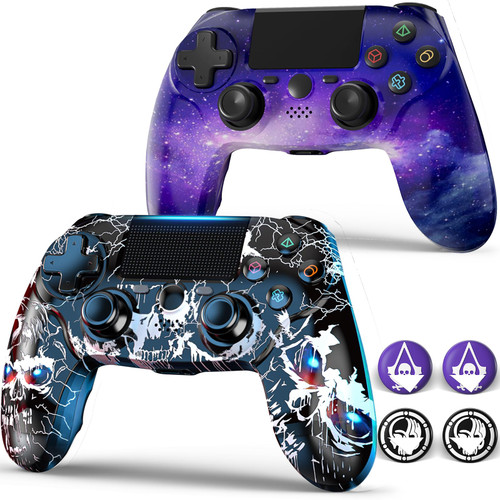
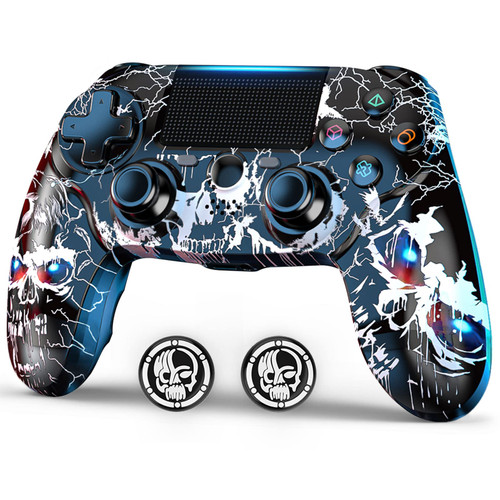
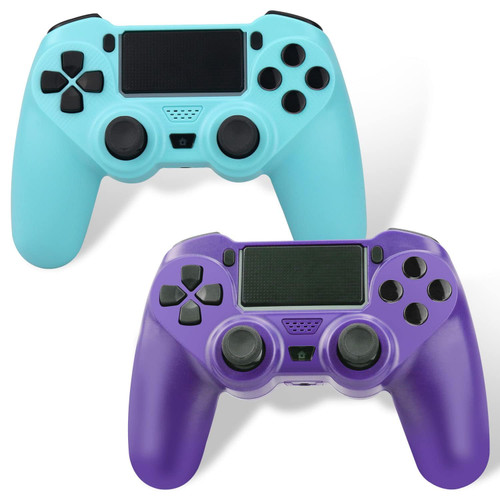
2 Pack Wireless PS4 Controller for Playstation 4,JARW PS-4 Remote Console for Playstation 4 System ,with Dual Vibration/Stereo Headset Jack/Touch Pad/Six-axis Motion Control
1. How to Connect the controller to PS4:
(1) Plug the USB cable into P4 console and this controller.
(2) Press the HOME button to make the LED light bar flash.
(3) When the light bar is always on, the connection is always on.
2.How to Connect the controller to PC :
The controller can be connected to a PC via a USB cable and used as a wired controller. The driver is automatically installed when you connect it to your PC(Windows 7/8/8.1/10) for the first time.
3. Im having a problem using the Headset Jack.
Please make sure if you have made the setting correctly
(1) go to your system.
(2) Select Settings > Devices > Audio Devices.
(3)Select Output to Headphones > All Audio.