Clock Setting:
Press the "M" button to change the clock mode.
Press the "M" button for 3 seconds, the number will start flashing and then set the time.
Press the "S" button to increase the hour, press and hold the button to quickly increase.
Press the "M" button, then press the "S" button to increase the minutes. Press and hold to quickly increase.
Finally, press the "M" button, done.
How to use timer
1) Turn the clock into DIY mode
2) Press the M button to set the minutes
3) Press the S button to set the second
4) Press the S / S button to start / stop the timer
5) Press the M&S button at the same time to clean the timer
6) The kitchen clock timer beeps when the countdown has finished
Shake the clock in timer mode to stop and start (the clock lights up and vibrates).
Shake the clock in alarm mode to switch to snooze mode.
Specifications:
Color: White
Clock: 12/24 hour electronic clock
Snooze time: 5-60 minutes snooze adjustable
Timing range: 99 minutes 59 seconds
LCD size: 5.5 x 5.5 cm
Dimension: 6.7 x 6.7x 2.6 cm
Power Batteries: 2 x AAA (not included)
Package Contents
1 x timer
1 x User Maual

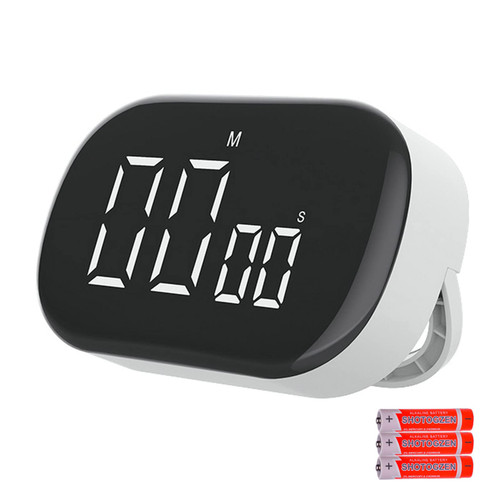
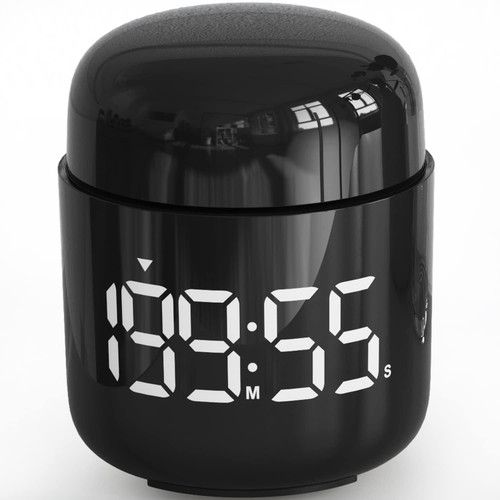
Digital Kitchen Timer VOLUEX Countdown Timer Stopwatch Egg Timer with Snooze Adjustable 99 Minutes LED Display Timer for Cooking Teachers Classroom for Kids Time Management
Was:
$51.96
Now:
$25.98
(No reviews yet)
Write a Review

Write a Review
Digital Kitchen Timer VOLUEX Countdown Timer Stopwatch Egg Timer with Snooze Adjustable 99 Minutes LED Display Timer for Cooking Teachers Classroom for Kids Time Management
- SKU:
- V279558
- UPC:
- 637740878783
- Condition:
- New
- Availability:
- Free Shipping from the USA. Estimated 2-4 days delivery.