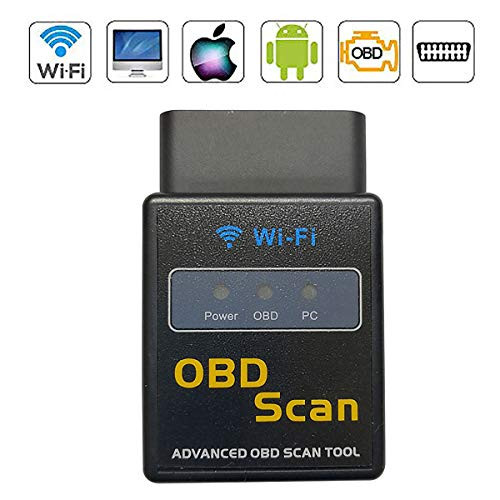
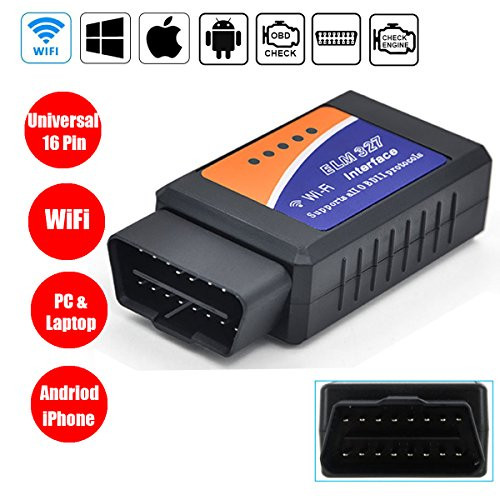
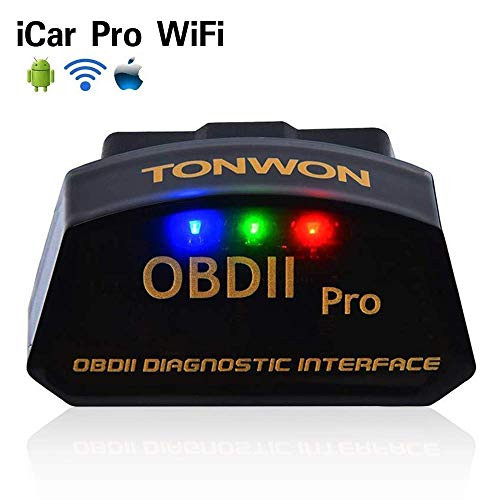
How to install?
1.Download and launch your OBD App(Free may apply)
Use the following link to find the software you need and get instruction for use: http://www.elm327.com
Or you could search these APP on Apple store or Google play.
2.Plug this scanner in the OBDII port.
3.Turn on the ignition key of your vehicle.
The power led light will turns red indicate its power is on
4.Enable wifi on your phone or tablet and connect "WIFI_ OBDII" created by the scanner
Some of readable parameters from the vehicle:
Vehicle Speed
RPM
Fuel Consumption
Engine Coolant Temp
Fuel Pressure
Calculated Engine Load
Throttle Position
Intake Manifold Pressure
Air Intake Temp
Timing Advance
Mass Air Flow
Fuel Level
Engine Oil Temperature
EVAP System Vapor Pressure
Fuel Trim
Why I can't connect my phone with my car?
1. Please make sure that your car is a 12v petrol car and supports OBD-II protocols, if you are not sure, you can check the front cover of your car and the manual.
2. Ensure that the engine of the car is in open state.
3. Set 'The OBD2 WiFi' as the correct adapter within the software.
4. Please close other app temporarily when the OBD2 scanner is connecting.
5. Delete the wifi-OBD2 signal, plug the OBD2 scanner out and exit the App, then re-operate it again.
6. Try it on another new vehicle to check whether the socket of your car goes wrong or not.
Note:
1. This device is WiFi version, no Bluetooth option.
2. Please remove it from the OBD II port when not in use or your vehicle is turned off.
Package Includes:
1 x CoolDigital WiF

CoolDigital OBD2 Scanner WiFi Mini Car Diagnostic Fault Code Reader Adapter Scan Tool Check Engine Light for iOS Android
Was:
$59.88
Now:
$29.94
(No reviews yet)
Write a Review

Write a Review
CoolDigital OBD2 Scanner WiFi Mini Car Diagnostic Fault Code Reader Adapter Scan Tool Check Engine Light for iOS Android
- SKU:
- M28327
- Condition:
- New
- Availability:
- Free Shipping from the USA. Estimated 2-4 days delivery.