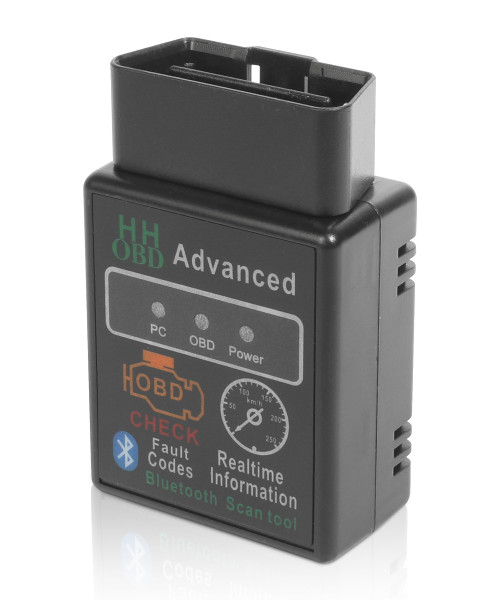
How to Connect Our OBD to Your Device
Step 1: Download the app that you would like to use from the Play Store on your Android device.
Step 2: Plug your obdii code reader into the car's OBD port. Turn your car's ignition on until all the dash lights come on.
Step 3: Turn on your phone, go to your Bluetooth settings and search for the obd scanner diagnostic tool. Our OBD is called "B03 HH". If it asks for a password, enter"1234" or "0000".
Step 4: Open up your OBD 2 app on your phone. If it is Torque, make sure you go to settings and click on the OBDii adaptor. Make sure you set it to Bluetooth connection and not Wi-Fi. It should connect to your car and you will see live data and faults, etc.
Car Scanner is a feature-rich app that supports a wide range of OBD2 adapters.