About kiwitat?/b> kiwitat?s registered trademark and is exclusively distributed by kiwitat?iwitat?rademark Serial number:5374837. kiwitat?s protected by Trademark Law. kiwitat?as always devoted itself to providing highly quality and outstanding fashionable products with the end-users.
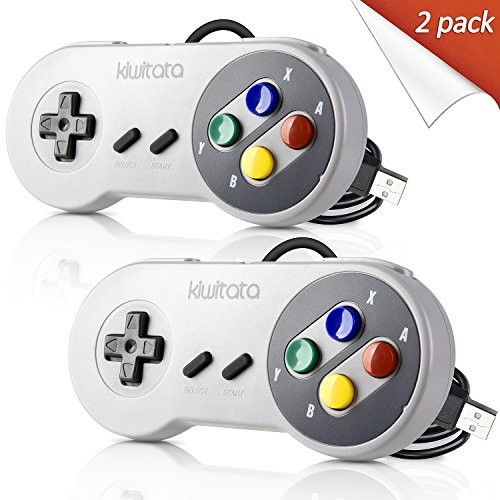
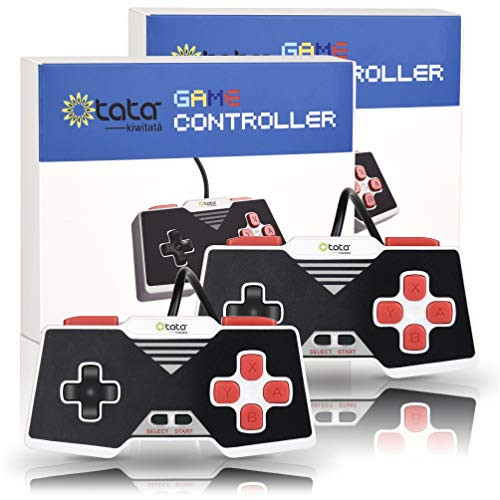
Wake your childhood memories ? When you play old school SNES and NES video games,Feels like your childhood has came back. ? You must like play the old games,such as Contra,Megaman X?Mortal Kombat 2,Super Mario World,Super Mario Kart and Super Street Fighter 2 roms with SNES emulator on your PC. Compatible with Raspberry Pi model Compatible with for Raspberry Pi /Raspberry PI 2 model B /Retro Pi OS/Retropi System,and supported Game Emulators:-Retropie System-Nintendo emulators-Arcade emulator Why did you choose us? 2016 August,we sold the first usb controller,and then we received some review from our customer for the D-Pad is weak and sloppy. 2016 December, we increased the precision of the D Pad, the cross key is Sturdy and accurate now. 2017 May, we replace the PC material of the product, make the game more flexible and let you have real retro feelings. Now,the D-Pad is solid and precise, and the handling is awesome and gaming is a lot of fun with SNES classic. How to map the button on Mac 1)download an application( Joystick Mapper),it lets you map keyboard keys, mouse axes, mouse buttons and mouse wheel to any mac compatible joystick or gamepad button/axis/hat. 2)Insert usb controller to connect with your computer, scann it and set up the buttons of the controllers. 3)Download the Game Emulator what you like, such as "OpenEmu",and open it and play these old SNES classic games. Package included: 2* SNES USB controllers