
2.4G Nano USB A/Type C Receiver for "SK60-3 Wireless Keyboard Mouse Combo with Phone Holder"
Pairing Process:
1) Keyboard: Turn on the keyboard and press Esc+=, the indicator of the keyboard will blink. Move the Keyboard close to the USB port and insert the USB receiver to the USB port.
2) Mouse: Turn off the mouse and turn it on, press and hold the left, right, and wheel buttons simultaneously for 5-8 seconds before releasing the buttons. The bottom mouse indicator will turn darker. Within 10 seconds, move the mouse close to the USB port and insert the USB receiver into the USB port.

2.4G Nano USB A/Type C Receiver for SK60-3 Wireless Keyboard Mouse Combo with Phone Holder
Was:
$71.96
Now:
$35.98
(No reviews yet)
Write a Review

Write a Review
2.4G Nano USB A/Type C Receiver for SK60-3 Wireless Keyboard Mouse Combo with Phone Holder
- SKU:
- ZDF484167
- Condition:
- New
- Availability:
- Free Shipping from the USA. Estimated 2-4 days delivery.
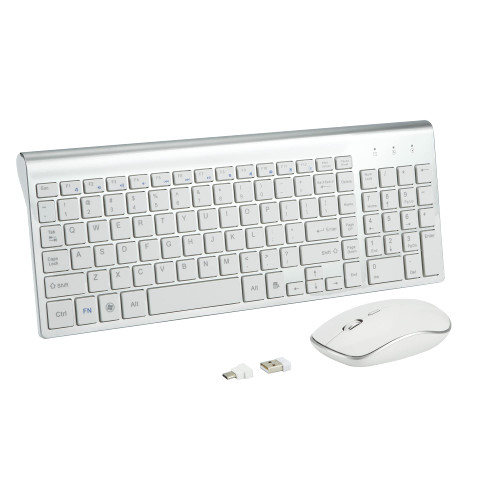
Wireless Keyboard and Mouse Combo with USB C & USB A Receiver-Full Size Type c Keyboard and Mouse
Was:
$133.88
Now:
$66.94


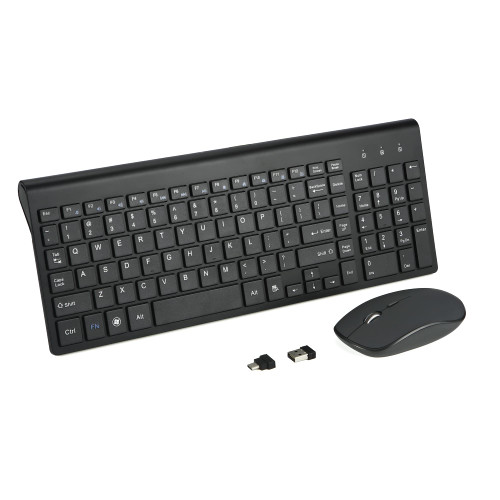

USB Receiver for TzBBL-MOFII 2.4G Wireless Keyboard and Mouse Combos
Was:
$71.88
Now:
$35.94