Specification
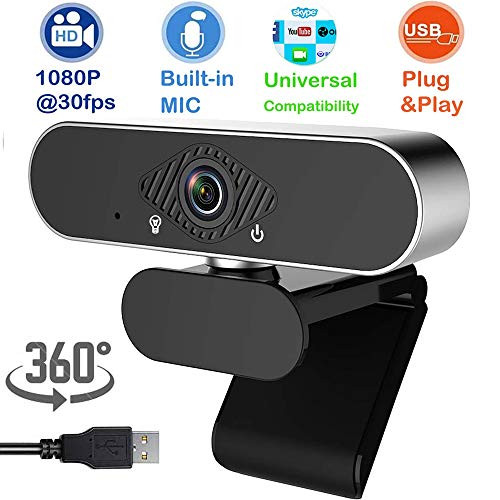
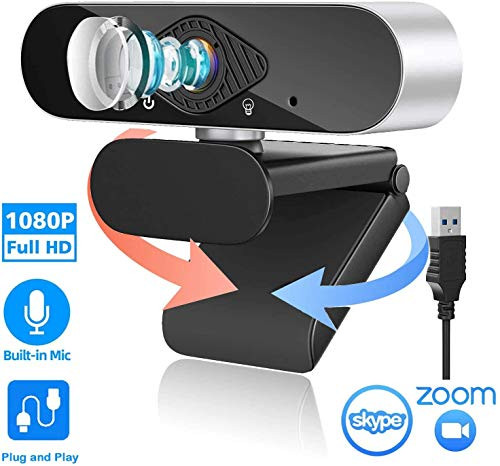
Microphone?Built-in microphone
Video Format: H.264,M-JPEG,AVI
Focus mode: auto focus
nterface Type?USB2.0
Recording Resolution: up to 30fps for 1080P/720P/480P/240P
Product Size?155mm * 50.7mm * 44mm
USB Cable Length: 5ft (1.5 meters)
What's included: one HD camera, one tripod
HOW TO SET UP THE WEBCAM?
1. Attach the webcam to your computer. Plug the webcam's USB cable into one of the rectangular USB ports on the side or back of your computer.
If you're on a Mac, you'll most likely need to buy a USB to USB-C adapter in order to fit a normal webcam.
Make sure that you plug the webcam directly into your computer, not a USB hub. USB hubs are often too underpowered to operate a webcam.
If your notebook comes with a camera, please disable it before using it
2. It's a plug&play type ,Plug the webcam into your computer will start the setup process. The setup process will involve clicking through a series of preference windows before clicking an Install button.
3. Follow any on-screen instructions. Pay attention to the windows' information here. You'll most likely need to select certain preferences that will help the webcam work later.
4. Change your webcam's settings as needed if necessary.?For example, Picture delay can adjust the camera resolution and close other software on the computer.)

1080p Webcam HD Web Camera - Laptop Webcam Video Web Camera USB PC Computer Webcam with Tripod Microphone Full HD 120-Degree Wide View Angle Pro Streaming Webcam for Recording Calling
Was:
$99.78
Now:
$49.89
(No reviews yet)
Write a Review

Write a Review
1080p Webcam HD Web Camera - Laptop Webcam Video Web Camera USB PC Computer Webcam with Tripod Microphone Full HD 120-Degree Wide View Angle Pro Streaming Webcam for Recording Calling
- SKU:
- V287736
- UPC:
- 782910620171
- Condition:
- New
- Availability:
- Free Shipping from the USA. Estimated 2-4 days delivery.