Specification:
Material?ABS
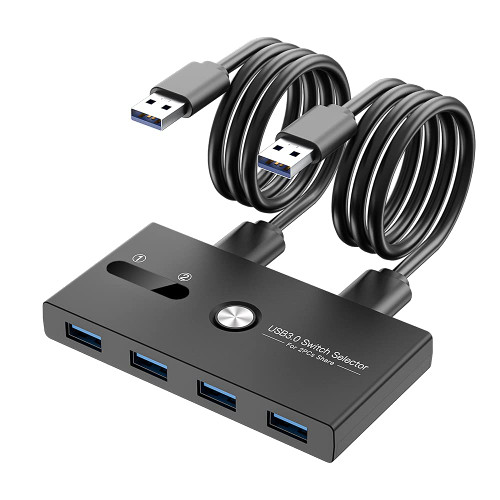
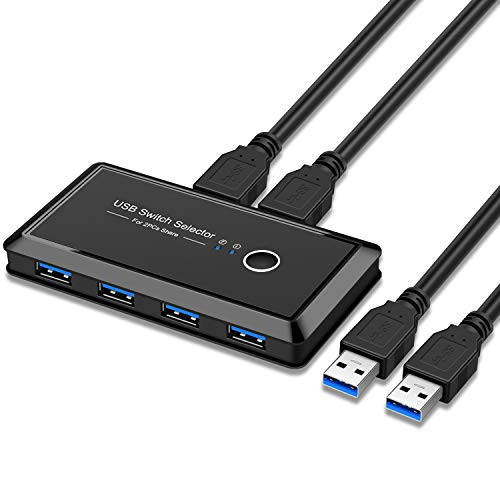
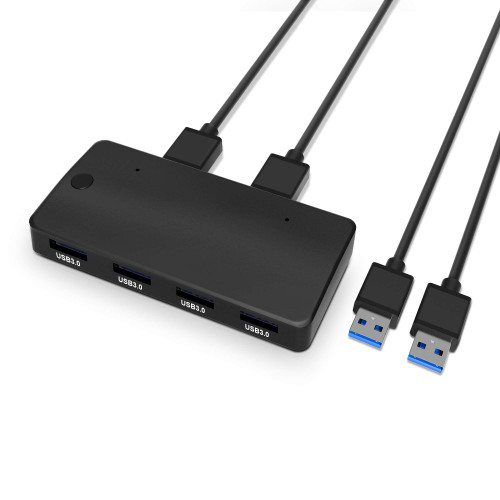
Ports?USB 3.0 *4, PC port *2, power port *1
USB-A?USB 3.0, data speed up to 5120Mbps
PC Port?for connecting with computers
Charging Port ?5V input
Operating Temperature ?36-41?
Supported Systems ?Windows, Mac OS, Linux
Product Size ?3.94*1.85*0.51in / 100*47*13mm
Cable Length ?39.37in / 100cm
Port introduction?
USB 3.0 Output Port?connects with keyboard, mouse, USB flash drive...
PC Port: connects with computers
Charging Port: charges the USB Switch Selector to keep devices stable
Switch Button: presses to switch between 2 computers
Indicator Light: indicates which computer is working with connected
USB devices such as mouse, keyboard or USB flash drive, etc..
Notes?
*2.4Ghz wireless devices, such as Wi-Fi, wireless keyboard, and mouse adapters, may not work stably in close proximity to USB 3.0 devices or hubs. Try using the host port or a USB 2.0 connection.
*Please use a standard 5V adapter(Not Included) to charge the USB switch selector if needed. Any charger over higher voltage output may hurt the product.
*Don't expose to liquids
*Don't disassemble
*Avoid dropping
*Avoid extreme temperature
How to Use?
1.Connect your PCs or laptops to 2 PC ports with USB A to A cables
supplied;
2.Connect your external USB devices to the USB 3.0 ports on the USB
switch selector;
3.Press the SWITCH button to select the computer;
4.Connect the switch selector to the power adapter if high power
consumption devices such as external HDD, digital video cameras or
others are connected.
Package Contents:
2* USB A-A cable
1* USB Switch Selector
1* User manual
1* Power cable