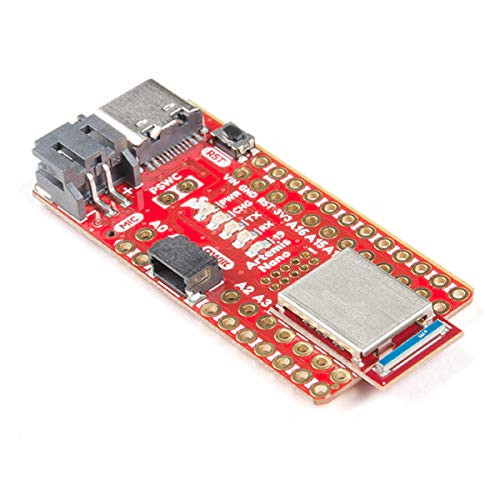
The SparkFun RedBoard Turbo has been equipped with a USB interface for programming and power, a Qwiic connector, an RTC crystal, WS2812-based addressable RGB LED, 600mA 3.3V regulator, and a variety of other components. To power the RedBoard Turbo, just plug it into a USB port on your computer via the micro-B port or directly into the wall with the 5V tolerant barrel jack. Not near a USB port? No problem, the SparkFun RedBoard Turbo is also equipped with a LiPo Battery connector (for a single-cell 3.7-4.2V litium-polymer battery). The MCP73831's charge current is configured by a resistor value between 66k? and 2k?, to charge the battery at a rate between 15mA and 500mA, respectively. By default, the board is configured to charge the battery at around 250mA. If you've used any Arduino before, this pinout shouldn't surprise you - the layout meets the Arduino 1.0 footprint standard, including a separate SPI header and additional I2C header.
The RedBoard Turbo can even be flashed over the Mass Storage Class (MSC) just like a removable flash drive, thanks the the UF2 bootloader. With this bootloader, the RedBoard Turbo shows up on your computer as a USB storage device without having to install drivers! From the Arduino IDE, you'll still need to select the correct port on your machine, but you can just as easily use another programming language such as CircuitPython or MakeCode.