Why Choose Retroscaler Wireless Controller Adapter?
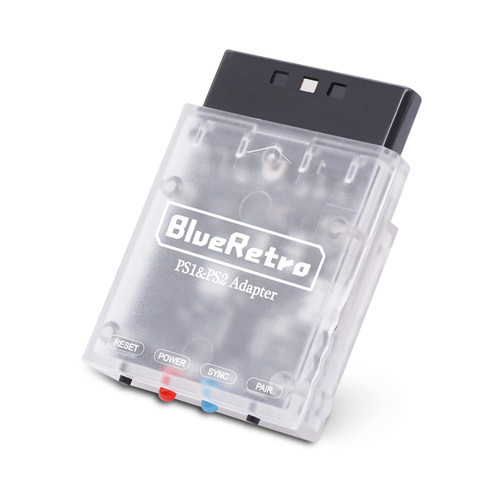
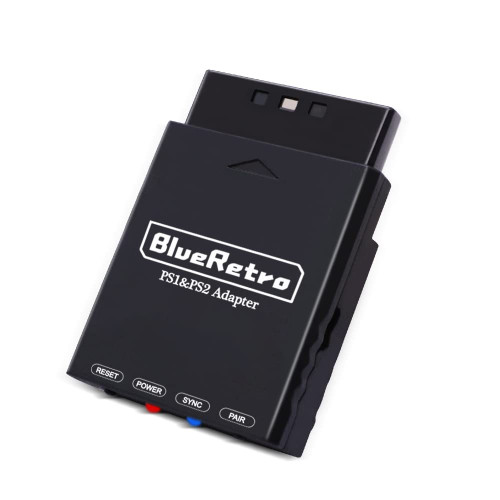
BlueRetro is a multiplayer Bluetooth controllers adapter for PS1 & PS2 consoles, open source project based on darthcloud, it's built for the popular ESP32 chip.
Suitable for PS1/PS2 game console, compatible with PS3 / PS4 / PS5 / Xbox One S / Xbox Series X&S / Wii / Wii U Pro / Switch Pro / Switch Joycon / 8bitdo / Retro-Bit wireless controller, etc.
The adapter has two buttons, one is reset and the other is BOOT. Support firmware update via USB port. Supports Keyboard/ trackball / mouse console accessories.
Millisecond response with almost no delay, the PS4&PS5 controller using Blueretro has a delay of less than 6 milliseconds.
The key value of the buttons can be configured through the web Bluetooth port of the computer and mobile phone.
Note:
- A adapter can only be connected to one wireless controller at a time.
- The power supply of some old PS1/PS2 console controller interfaces may not be normal due to some reasons, causing the PS1/PS2 Blueretro converter to not work. In this case, you can use the micro USB port to power the PS1/PS2 Blueretro.
- Press and hold the PAIR button before connecting the Blueretro adapter to the PC with a USB cable.
- If the PC cannot recognize the adapter, please try to install the CH340 driver in the PC.
LED Status:
- SYNC LED Fully ON: Bluetooth failure
- SYNC LED OFF: Bluetooth connected successfully
- SYNC LED Pulsing: Searching wireless controller
- POWER LED Fully ON: Power on
Buttons:
RESET:
- Reset Blueretro
PAIR:
- Short press: Disconnect all Bluetooth devices and start the new pairing.
- 10 sec hold: Restore to default configurations and clear BT pairing keys.