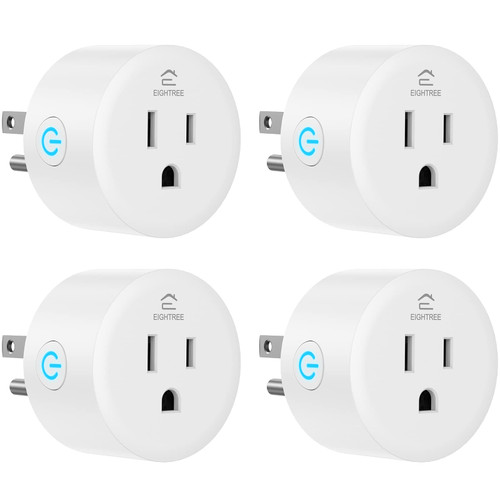
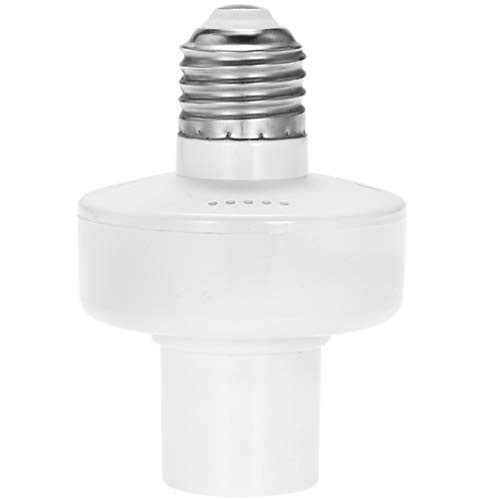
The new upgraded smart WiFi bulb socket not only has stable connection performance, but also adds a memory function. The smart light socket circuit has been upgraded to be fully suitable for US voltage.
Specification:
Network: only supports 2.4GHz Wifi
Voltage: 100-220V
Quantity: 1PC
Maximum current: 2A
AC frequency: 50-60Hz
Screw base type: E26/E27
Recommended bulb power: 40W
Compatibility: Compatibility: E26 E27 LED, CFL, Fluorescent, etc., but not incandescent, halogen or tungsten.
Connection steps:
1. Scan the QR code and download the "Tuya Smart" APP from the APP Store or Google Play.
2. Log in to Tuya Smart APP, register an account according to the application instructions, and connect the smart socket to the 2.4 GHz WiFi home network. (Only 2.4GHz networks are supported).
3. The phone is connected to the WiFi router and can connect to the Internet. Click the icon "+" in the upper right corner of "Equipment".
4. Select the correct device name
5. Enter the correct 2.4Gh WIFI network name and password
6. Follow the instructions and operate on the phone. Click "Next" to ensure that the lamp holder indicator flashes quickly
7. Please wait patiently for the connection. If the connection fails, please turn on your mobile phone Bluetooth and operate again according to the above method
8. When the configuration is complete, click Done.
If there is any problem, please do not rush to return it.You can contact us at any time, we will solve the problem for you, thank you for your choice and support.