
Specifications:
Material: ABS
Size: Approx. 7*5*2cm/2.76*1.97*0.79inch
Color: Black
Package list:
1 x Power Supply Tester
Note:
Power tester instructions:
Power the power to be tested.
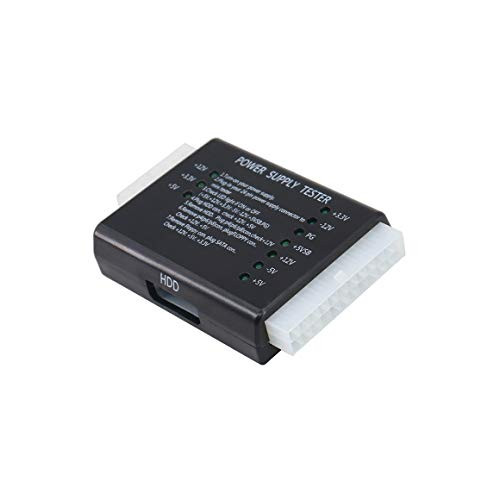
Plug the 24P (20P) plug of the power supply to be tested into the 24P (20P) socket corresponding to the power tester.
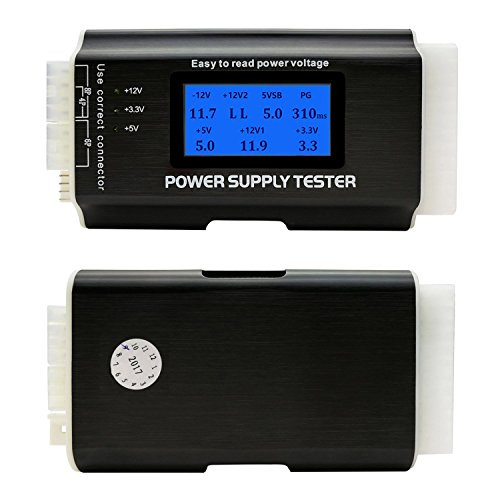
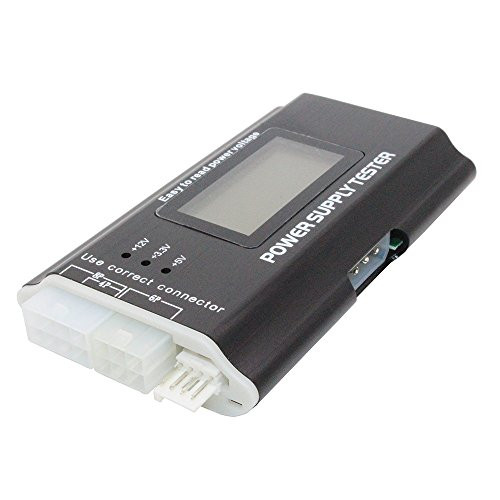
Check if the seven lights on the right (+3.3, -12V, PG, +5VSB, +12V, -5V, +5V) are on, all lights up is well.
Plug the HDD plug to be tested into the HDD socket of the power tester to see if the two lights on the left (+12, +5V) are on, all lights up is well.
Remove the HDD plug from the power tester, and then insert the P4 (P6/P8) plug into the corresponding P4 (P6/P8) socket to see if the left one (+12V) is on, all lights up is well.
Pull out the P4 (P6/P8) plug from the power tester, and then insert the FLOPPY (floppy drive) plug into the corresponding FLOPPY socket to see if the two lights on the left (+12V, +5V) are on, all lights up is well.
Remove the FLOPPY plug from the power tester, and then insert the SATA plug into the corresponding SATA socket to see if the three lights on the left (+12V, +3.3V, +5V) are on, all lights up is well.

24Pin Computer PC Power Supply Tester, PSU/ATX/SATA/HDD Connectors Power Supply Tester with Indicator Light, Black
Was:
$69.68
Now:
$34.84
(No reviews yet)
Write a Review

Write a Review
24Pin Computer PC Power Supply Tester, PSU/ATX/SATA/HDD Connectors Power Supply Tester with Indicator Light, Black
- SKU:
- ZB11823
- UPC:
- 735752719039
- Condition:
- New
- Availability:
- Free Shipping from the USA. Estimated 2-4 days delivery.

Tan QY PC Power Supply Tester 20/24 Pin PSU ATX SATA HDD (Black)
Was:
$85.88
Now:
$42.94
